
To build a SaaS MVP, pick one type of customer and the one job they would pay for, cut everything else, and build only sign-up, that core workflow, account separation and billing on a stack many developers know. Ship to real users in 6–10 weeks, charge from the start, and let what they do decide version two. At PlusTechnology a web app MVP typically costs about $5,000–$20,000.
Most founders who ask how to build a SaaS MVP already have a feature list, and it's usually two or three versions long. The hard part isn't the code. It's deciding what the first version is allowed to leave out, and getting the few unglamorous parts that every SaaS needs right the first time.
I've shipped 400+ client projects at PlusTechnology, including SaaS and custom web app work. This guide is the process we use: how to scope it, which stack to pick, and the three things you can't postpone. For price ranges in detail, our web app development cost guide covers them; I won't repeat it here.
What makes a SaaS MVP different from any other web app?
An MVP (minimum viable product) is the smallest version that real customers will use and pay for, so you can learn from what they actually do. A SaaS MVP adds three requirements that a one-client custom web app doesn't have:
- Many customers share one app. Each business (a "tenant") must only ever see its own data, even though everyone uses the same code and usually the same database.
- Customers sign themselves up. There's no developer setting each account up by hand, so onboarding, password resets and emails have to work without you.
- Money arrives every month. Trials, failed cards, upgrades and cancellations all change what a customer is allowed to do.
Get those three right and almost everything else can be rough. Get them wrong and no amount of polish saves the product, because a data leak between customers or a broken billing flow costs trust you can't buy back.
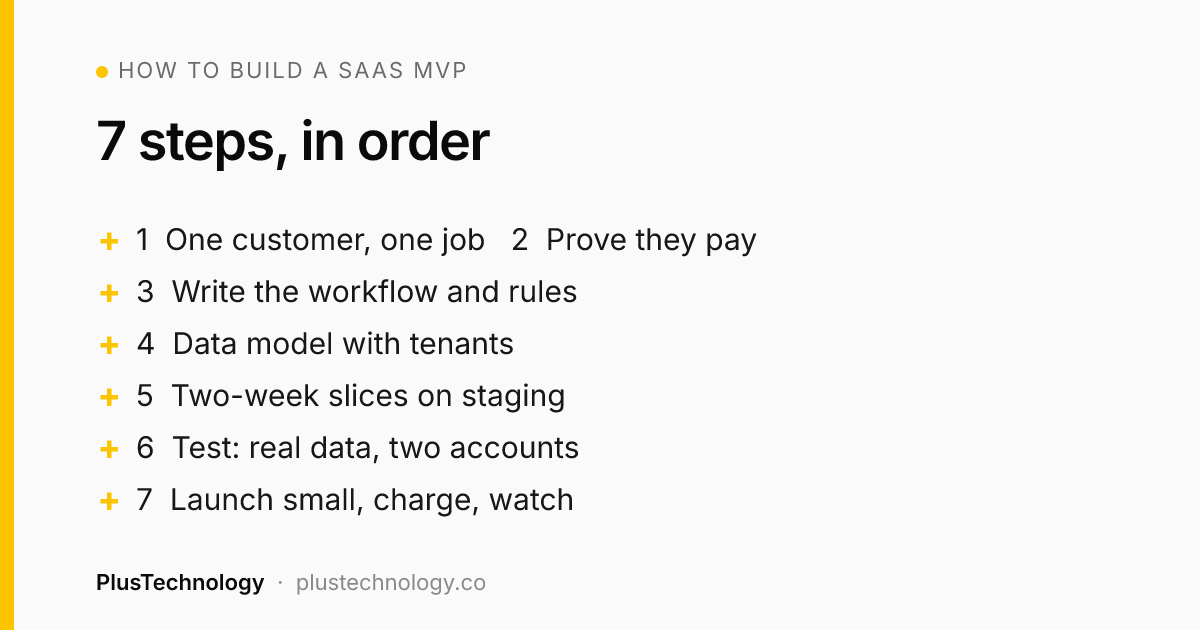
How to build a SaaS MVP in 7 steps
This is the order we follow. Skipping ahead is the most common reason a "three-month MVP" takes a year.
- Name one customer and one job. "Record stores that sell on Discogs and their own shop, and need stock kept in step" is a SaaS. "Tools for record stores" isn't. Write it in one sentence.
- Prove someone will pay. Talk to ten people who have the problem. If none of them would pay for a fix, or would only pay for something different, you've saved yourself the build.
- Write the core workflow and its rules. Every step from sign-up to "the job is done", every rule (limits, prices, who gets which email) and every edge case you already know about.
- Design the data model with tenants in it. Accounts, users, roles and the core records, with an account ID on every table that holds customer data. This is the step that's expensive to fix later.
- Build in two-week slices on a staging site. Each slice ends with something you can click. Sign-up and the core workflow first, billing second, admin tools third.
- Test with real data and a second test account. Use a real customer's data, not tidy samples, and always test with two accounts side by side to prove one can't see or change the other's records.
- Launch to a small group, charge, and watch. Five to twenty paying users you can talk to are worth more than a public launch. Fix what they hit, then decide version two from their behaviour, not your list.
What should a SaaS MVP include, and what can wait?
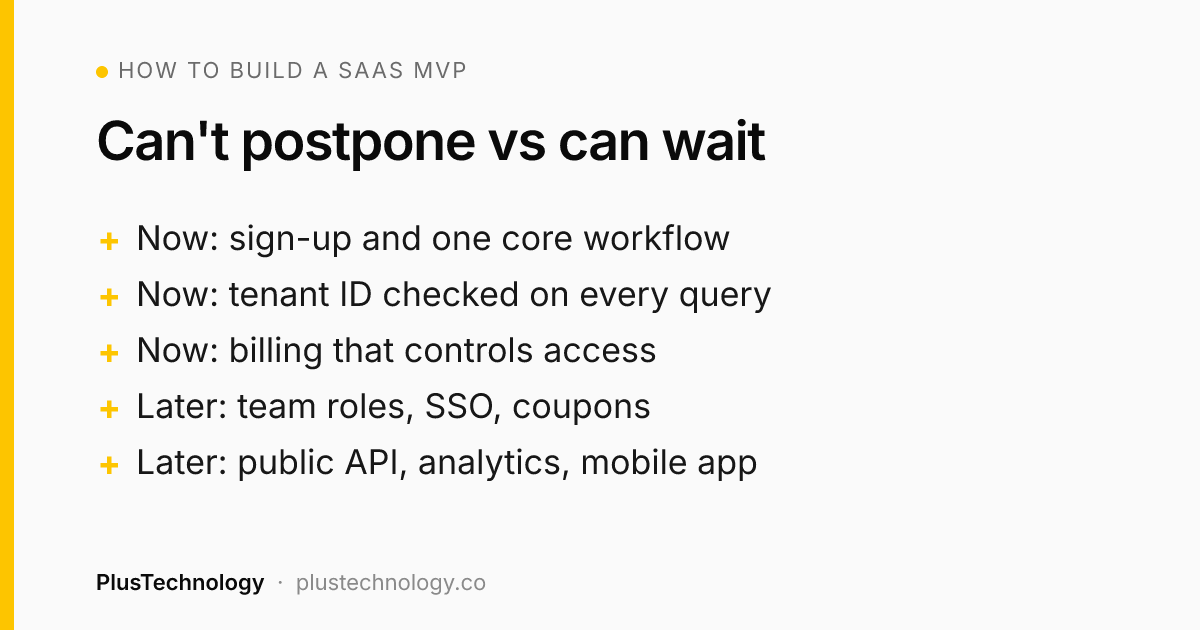
The rule we use: if the customer can still get the core job done without it, it waits. Here's how that usually plays out.
| Build in version one | Leave for version two |
|---|---|
| Sign-up, login, password reset | Single sign-on (Google, Microsoft) unless buyers demand it |
| One core workflow, end to end | A second workflow or "nice to have" screens |
| Account (tenant) separation on every record | Detailed team roles and permissions |
| One pricing plan with a trial or a simple paid plan | Usage-based pricing, coupons, annual plans |
| The emails the workflow needs | Newsletters, in-app chat, notification settings |
| An admin view for you: accounts, status, errors | Customer-facing analytics dashboards |
| Error alerts and daily backups | A public API, white-labelling, a mobile app |
One exception: if an integration is the product, as a sync tool's connection to another platform is, it belongs in version one, and it deserves more testing time than anything else.
Which tech stack should you build a SaaS MVP on?
Pick boring, widely known tools. The stack should be chosen by what the product has to do and who will maintain it, not by what's trending. A combination we often use for SaaS MVPs:
- Front end: React with TypeScript when the interface is interactive (live pricing, dashboards, drag and drop). Plain HTML and JavaScript when it's a handful of forms.
- Back end: Node.js or PHP. Both have huge talent pools, so you're never tied to one developer.
- Database and auth: PostgreSQL, often through Supabase, which bundles authentication, storage and database-level access rules.
- Payments: Stripe Billing or PayPal subscriptions. Never build your own card handling.
- Hosting: a managed platform (Netlify, Render, Vercel or similar) so nobody spends the first months patching servers.
Avoid microservices, Kubernetes and a separate mobile app in an MVP. They solve problems of scale you don't have yet, and they slow down the changes you'll need to make every week after launch.
How do you handle tenants, billing and access in a SaaS MVP?
These are the three areas you can't postpone, because fixing them later means migrating live customer data.
- Tenant separation in the database. The simplest safe pattern is one shared database where every customer-owned table has a tenant ID. Supabase's guide to isolating tenant data in a multi-tenant SaaS describes this: Row Level Security makes Postgres check the tenant on every query, so a bug in one screen can't leak another customer's records.
- Access checks on the server, on every route. Broken access control is first in the OWASP Top 10:2025. Hiding a button isn't a permission. Every request that reads or changes a record must check that the logged-in user belongs to the account that owns it.
- Access that follows the subscription. Stripe's guide to how subscriptions work lists the states a subscription moves through, including trialing, active, past_due, canceled and unpaid. Its subscription webhooks guide says to grant access when an invoice is paid and the subscription is active, and to remove it when the subscription becomes canceled or unpaid. Build that logic once, from webhooks, and verify webhook signatures before trusting them.
Real example: what breaks when a SaaS meets real data
VinylSync is a multi-tenant SaaS for independent record stores. It imports a store's Discogs inventory, writes the product pages, publishes them to the store's WooCommerce shop and keeps stock in step, because a one-of-a-kind record must never sell twice. It's built on Node.js, Express and Supabase. The app worked, but it had never been run against a real catalogue, so PlusTechnology was brought in to find and fix what would break.
We set up a full staging copy first, with its own database and automatic deploys, so production was never touched. Testing against a real shop with 869 WooCommerce products and 333 live Discogs listings turned up exactly the problems this guide warns about:
- Tenant scoping. Webhook lookups weren't scoped per store, so one store's sale could mark another store's record as sold. We gave each store its own webhook URL and scoped every lookup.
- Access control. The Autopilot routes had no ownership check: any logged-in partner could control any store's Autopilot. Every store-scoped route now checks ownership.
- Real data volume. Only the newest 5 listings were ever imported, leaving 328 of 333 unreachable. Overlapping syncs also imported the same listing twice, fixed with per-store run locks and a database uniqueness rule.
- Events that get missed. A real order never reached Discogs. Sold-sync is now three layers: an instant webhook, order polling every 5 minutes and a reconciliation job every 5 minutes that compares both platforms and fixes whichever side is stale.
None of those bugs showed up with tidy test data or a single test store. That's why step 6 above insists on real data and two accounts side by side.
The opposite lesson comes from Sono AI, a voice-to-report web app we built for an ultrasound clinic. Version one is a single HTML file with no build step, hosted on Netlify and running mostly on free AI tiers, with a chain of three AI models so a rate limit never leaves the doctor waiting. It does one job, turning a short dictation into a print-ready report in about 20 seconds, and nothing else. Small scope, simple stack, and the effort spent on the failure path instead of extra features.
How long does a SaaS MVP take, and what does it cost?
A focused SaaS MVP, meaning sign-up, one core workflow, tenant separation and one pricing plan, usually takes 6–10 weeks. A typical split:
| Phase | Typical length | What you get |
|---|---|---|
| Scope, rules and data model | 1–2 weeks | Written workflow, data model, clickable screens |
| Core build | 3–5 weeks | Sign-up, core workflow, tenants, admin view on staging |
| Billing and emails | 1–2 weeks | Plans, trial, webhooks, transactional emails |
| Real-data testing and launch | 1 week | Fixes from real data, first paying users |
At PlusTechnology a web app MVP typically costs about $5,000–$20,000. Integrations with outside platforms, several user roles and complex pricing push it to the top of that range. If your plan is longer than three months, cut scope before you add budget.
Frequently asked questions
How long does it take to build a SaaS MVP?
A focused SaaS MVP with sign-up, one core workflow, tenant separation and subscription billing usually takes 6–10 weeks. Each extra user role, integration or pricing model adds time. If the plan says more than three months, the scope is probably too big for a first version.
How much does a SaaS MVP cost?
At PlusTechnology a web app MVP typically costs about $5,000–$20,000. Integrations with other platforms, several user roles and complex billing push it towards the top of that range. Budget separately for hosting, email, payment fees and maintenance after launch.
What features should a SaaS MVP include?
Sign-up and login, one core workflow that solves the main problem end to end, separation between customer accounts, a way to pay, basic email notifications and an admin view for you. Team roles, usage analytics, a public API, white-labelling and a mobile app can wait.
Should I use no-code to build my SaaS MVP?
No-code is fine to test demand with a handful of users. Move to code once customers pay, once the data has to be separated between accounts, or once the tool's pricing grows with your user count. Plan that move early so you don't rebuild under pressure.
Do I need multi-tenancy in a SaaS MVP?
Yes, if more than one business will use the same app. You don't need a separate database per customer, but every table that holds customer data needs an account or tenant ID, and the server or database must check it on every read and write from day one.
Planning a SaaS product? See our web app development services, or send PlusTechnology a one-paragraph description of your customer and the job they need done on Upwork, and we'll reply with a suggested first version, timeline and estimate.