
Custom web application development means building browser-based software around your own workflow, data and rules, instead of renting a general SaaS tool. It's worth it when off-the-shelf tools force you to work around them, can't be adapted, or cost more over a few years than owning the software. A good build starts with written rules and a data model, ships a small first version in 6–10 weeks, and is tested against your real cases before it goes live. At PlusTechnology a web app MVP typically costs about $5,000–$20,000.
Most business owners don't wake up wanting custom software. They want the booking form to stop breaking, the spreadsheet to stop being the source of truth, or the monthly SaaS bill to buy them something they actually control. Custom web application development is one way to get there, and often not the first one I recommend.
After 400+ client projects at PlusTechnology, the pattern is clear: custom apps succeed when the business rules are written down before any code, and they fail when the developer is left to guess them. This guide covers when to build, how the process works, and what to ask for, in plain English.
What is custom web application development?
A web application is software that runs in a browser, where users log in, enter data and get something done: book a tour, sign a form, approve an invoice, see a dashboard. A website mostly presents information; a web app does work. "Custom" means it's designed for one business's process rather than for thousands of customers at once.
You usually have three options for the same problem:
| Off-the-shelf SaaS | No-code / plugins | Custom web app | |
|---|---|---|---|
| Setup time | Days | Days to weeks | Weeks to months |
| Fits your process | You adapt to it | Partly, until it gets complex | Built around it |
| Cost pattern | Monthly, forever | Low monthly plus your time | One-time build plus maintenance |
| Data and branding | On the vendor's terms | Mixed | Yours |
| Main risk | Price rises, lock-in | Fragile once it grows | Bad scope, weak developer |
When is a custom web app worth building?
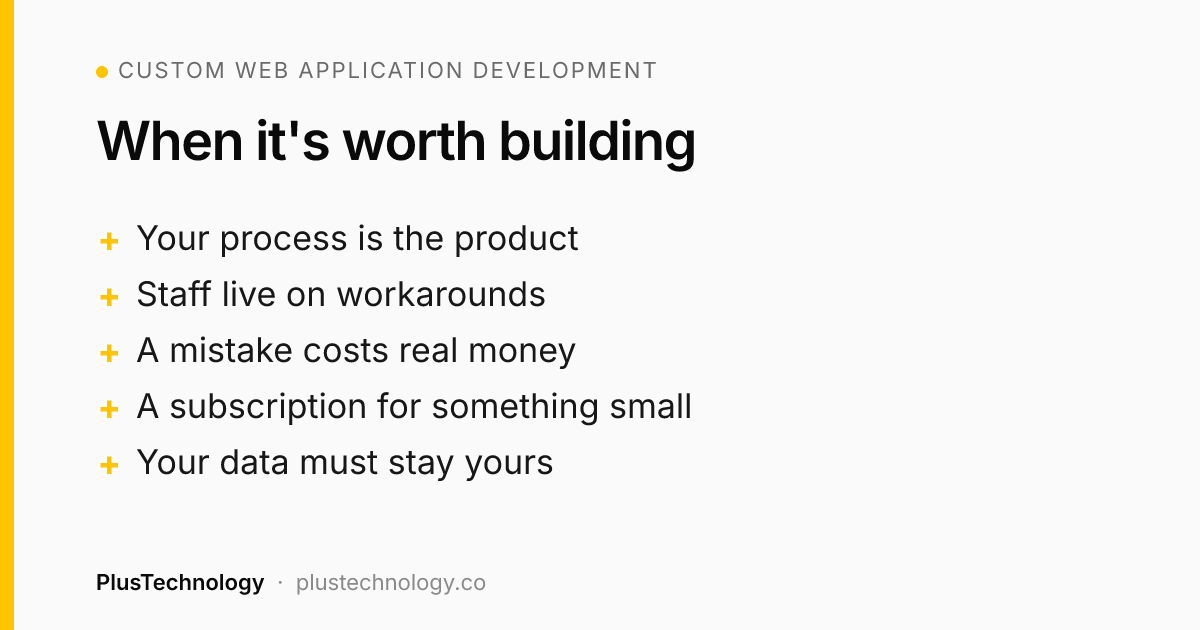
Build when at least two of these are true:
- Your process is the product. The way you price, schedule or approve things is what makes you different, and a generic tool flattens it.
- You're held together by workarounds. Staff copy data between three tools, or a giant form has so many conditions that nobody dares edit it.
- A mistake costs real money. Wrong prices, double bookings or confirmation emails sent before payment.
- You pay a subscription for something small. Over a few years, a one-time build can cost less than renting, and you keep what you paid for.
- You need your own data. Records, signatures or audit logs have to live on your servers, in your format.
Don't build when a standard tool already covers about 90% of the job, when you can't yet describe the workflow in a page, or when the idea is unproven and a spreadsheet plus a form would test demand first. Sometimes an automation is enough; our n8n vs Zapier vs Make guide covers where that line sits.
How does custom web application development work, step by step?
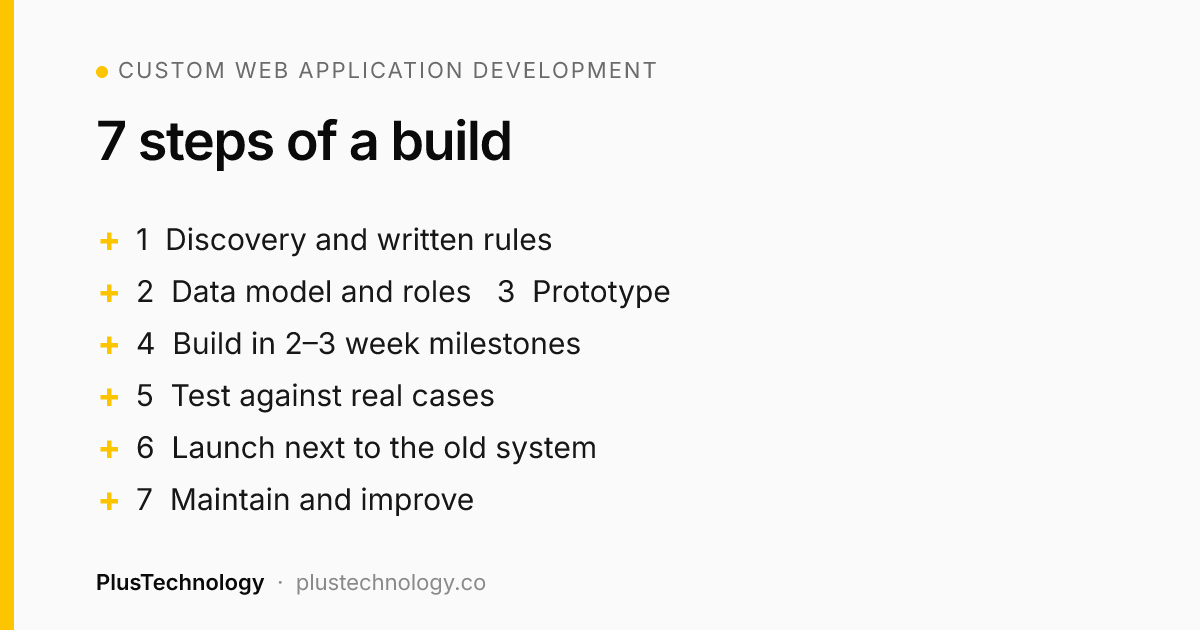
Every project we run follows the same seven steps. The names vary between developers; the order shouldn't.
- Discovery and written rules. Who uses the app, what each person does, and every business rule: prices, limits, cut-off times, who gets which email. This document is the most valuable thing you'll pay for.
- Data model and roles. What gets stored (bookings, customers, products, signatures) and who can see or change each piece. Most later bugs trace back to this step.
- Clickable prototype. Rough screens for the main path, tested on a phone if your users are on phones. Changing a screen here costs minutes; after the build it costs days.
- Build in milestones. Two- or three-week slices, each ending with something you can click on a staging site. Pay per milestone, not up front.
- Test against real cases. Automated tests for anything involving money or rules, plus a run-through with your own staff and real past orders.
- Launch next to the old system. Test payments in sandbox mode, keep the old tool switched on until the new one is proven, and watch the first real transactions.
- Maintain and improve. Updates, backups, monitoring and the features users ask for once they're living in it.
Which tech stack should a custom web app use?
Business owners often ask whether they need React, Laravel or something newer. The honest answer: pick the stack from your constraints, not from what's fashionable. Three questions decide it:
- Where will it run? If you already have shared hosting, plain PHP and MySQL run there with no extra servers. A cloud stack like Supabase and Cloudflare suits apps that need real-time data, edge speed or many integrations.
- Who will maintain it? Choose tools that many developers know, so you're never locked to one person.
- How complex is the interface? A multi-step form with live pricing benefits from React and TypeScript. A four-screen tool often doesn't need a framework at all.
The best example I can give comes from one client, where we chose two very different stacks.
Real example: two custom apps, two stacks, one client
Two tour operators near Rincón de la Vieja National Park in Costa Rica came to PlusTechnology with two different problems.
Problem one: bookings. Tours were sold through two Gravity Forms on WordPress with 207 and 206 fields. Price changes meant editing dozens of fields by hand, and one form sent "confirmed" emails before the customer had paid. We built a custom tour booking and payment system: a React and TypeScript booking widget embedded in the existing WordPress sites, an owner dashboard, and a Supabase and PostgreSQL back end with PayPal payments.
The owners had one rule: it had to behave exactly like the old forms. So instead of rebuilding by hand, we wrote an importer that replayed every combination from the Gravity Forms export, 1,995 in total, with zero price differences, backed by 133 automated tests. The server recalculates every price and rejects forged totals, and emails go out only after payment is captured. The first site went live in about a week.
Problem two: waivers. Guides collected liability waivers through a rented SaaS app they couldn't brand or adapt, at a trailhead where groups of up to 20 sign at once. For the digital waiver system we went the other way: a single HTML file with vanilla JavaScript, nine PHP 8.3 files and MySQL, no framework and no build step, running on ordinary shared hosting. Guests sign on their phones in English or Spanish, every waiver becomes a PDF certificate with an audit trail, and the client owns it outright instead of paying a monthly fee.
Same client, same team, opposite stacks. The booking system needed live pricing, payments and a rich dashboard; the waiver tool needed to be simple, cheap to host and easy for any developer to maintain. That's what good custom web application development looks like: the stack follows the problem.
What must every custom web app get right?
Features are the easy part. These four areas separate an app you can trust from one that becomes a liability:
- Access control. Broken access control, meaning users reaching data or actions they shouldn't, is ranked first in the OWASP Top 10:2025. Ask how permissions are enforced on the server. On Supabase, that means row-level security enabled on every exposed table, not just hidden buttons in the interface.
- Money logic on the server. Never trust a price sent from the browser. Calculate it on the server, create the payment for that amount, then verify what was actually captured. PayPal's Orders v2 API separates creating an order from capturing it, which makes this check straightforward.
- Speed on real phones. Google's Core Web Vitals set "good" at a Largest Contentful Paint of 2.5 seconds or less, Interaction to Next Paint of 200 ms or less and layout shift of 0.1 or less. Load heavy scripts, like payment buttons, only on the step that needs them.
- Ownership and recovery. Code in a repository you own, hosting and database on accounts in your business's name, nightly backups, and error alerts that reach a person.
How much does custom web application development cost, and how long does it take?
At PlusTechnology a focused web app MVP costs about $5,000–$20,000 and usually takes 6–10 weeks. Apps with several user roles, payments and integrations cost more and take 3–5 months. The biggest cost drivers are the number of user roles, payments, integrations and how messy the existing rules are. For full ranges, ongoing costs and how to keep version one affordable, read our web app development cost guide; I won't repeat it here.
One point worth adding: replacing an existing system is often cheaper than starting from a blank page, because the rules already exist. The work is extracting them accurately and proving the new app matches.
What should you prepare before talking to a developer?
Bring these and you'll get a faster, more accurate quote:
- The one job the app must do, in a sentence.
- Who uses it: customers, staff, admins, partners, and what each does.
- Your current tools and screenshots or exports of them, including the ugly spreadsheet.
- Every rule you know: prices, discounts, limits, deadlines, emails and who receives them.
- Must-have integrations: payments, accounting, calendar, CRM, your WordPress site.
- What "done" means for version one, and what can wait for version two.
A good developer will push back on scope, ask about edge cases you hadn't considered and propose a smaller first version. If they quote a fixed price after a ten-minute call without asking about your rules, keep looking.
Frequently asked questions
What is custom web application development?
It is building software that runs in the browser and is designed around one business's own workflow, data and rules, instead of renting a general-purpose SaaS tool. Examples are booking systems, client portals, internal dashboards and quoting tools. The business owns the code and the data.
How long does it take to build a custom web app?
A focused first version usually takes 6–10 weeks. Apps with several user roles, payments and integrations take 3–5 months. Replacing an existing system can go faster when the rules are already written down, and slower when nobody has documented them.
How much does custom web application development cost?
At PlusTechnology a web app MVP typically costs about $5,000–$20,000. Larger apps with many roles, payments and integrations cost more. Plan for hosting, third-party services and maintenance after launch as well.
Is a custom web app better than a SaaS subscription?
Only when the SaaS tool forces you to change how you work, can't be branded or adapted, or costs more over a few years than a one-time build plus maintenance. If a standard tool fits 90% of your process, keep using it.
Do I own the code of a custom web app?
You should. Put code ownership in the contract, keep the code in a repository on your own account, and host the app and database on accounts in your business's name, so you can change developers without rebuilding.
Thinking about a custom app? See our web app development services, or send PlusTechnology a short description of the workflow on Upwork and we'll reply with a suggested first version, timeline and estimate.