
In the WordPress vs Wix choice, Wix is the faster, simpler option for a small brochure site you'll build and run yourself. WordPress is the better choice for a business that plans to grow: you own the site, can host it anywhere, add any feature, and scale into a full store with WooCommerce. If you expect more pages, more products or custom features within two years, start on WordPress; moving off Wix later means a rebuild.
Clients ask me about WordPress vs Wix more than almost any other platform question, and usually at one of two moments: before they build their first site, or after a Wix site has started holding them back. The second conversation is more expensive, so this guide is for the first one.
I've worked on 400+ client projects at PlusTechnology, most of them on WordPress, and I don't think Wix is a bad product. It's a different kind of product. Once you see that difference, the choice gets easy.
What is the real difference between WordPress and Wix?
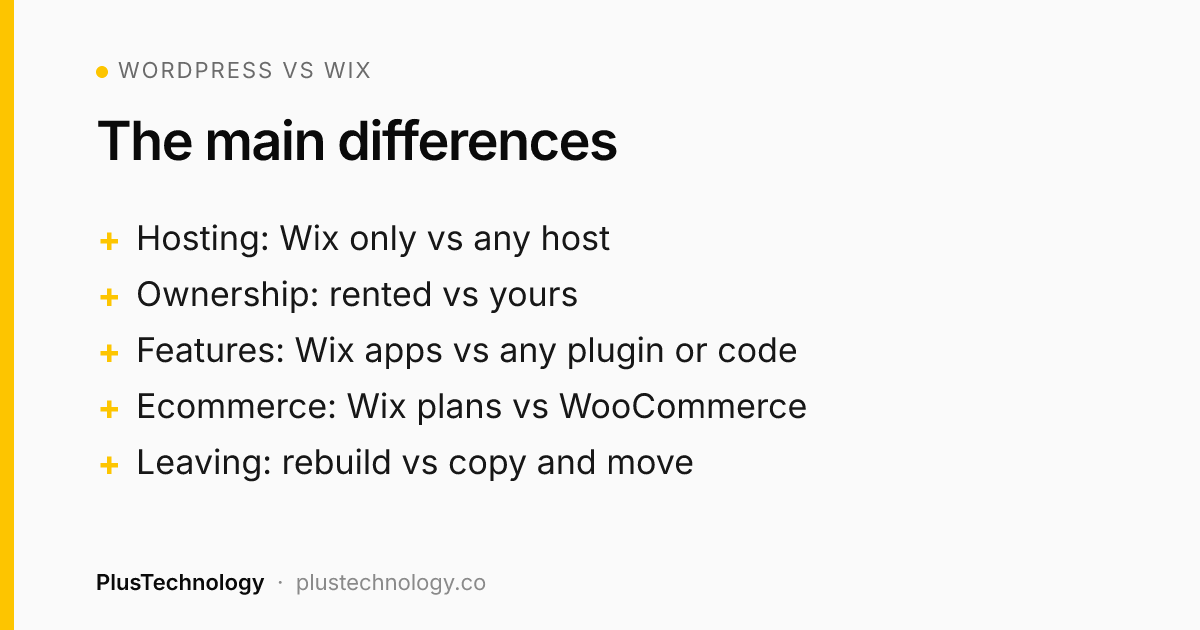
Wix is a rented website. It's a hosted service: the editor, hosting, security and updates all come from Wix, and you pay a subscription. Wix's own support article on exporting a Wix site is clear that the site has to be hosted and run on Wix's servers; it can't be moved to another host.
WordPress is software you own. WordPress.org is open source under the GPLv2 license, which gives you the freedom to run it for any purpose, study and change it, and share it. You install it on hosting you choose, and you can move it, back it up or hand it to another developer whenever you like.
Everything else in the WordPress vs Wix decision follows from that. Wix trades control for convenience; WordPress trades some convenience for control. It's also by far the bigger ecosystem: W3Techs currently reports WordPress on 39.5% of all websites and Wix on 4.2%. That size is why WordPress has a plugin, theme or developer for almost any requirement.
WordPress vs Wix: side-by-side comparison
| Wix | WordPress | |
|---|---|---|
| Who hosts it | Wix only | Any host you choose |
| Getting started | Drag-and-drop editor, live in a day | Needs hosting and setup, or a developer |
| Ownership | Your content, on Wix's platform | Your code, files and database |
| Features | Wix apps and Velo code inside Wix's limits | Thousands of plugins plus any custom PHP or JavaScript |
| Ecommerce | Built in, on higher paid plans | WooCommerce, for small shops to large catalogues |
| SEO control | Solid basics | Full control of URLs, schema, speed and markup |
| Maintenance | Handled by Wix | Updates and backups are your job (or your developer's) |
| Leaving | Rebuild elsewhere | Copy files and database to a new host |
Wix vs WordPress: when is Wix the right call?
I tell clients to use Wix, or something like it, when all of these are true:
- The site is small and stable: a handful of pages that won't change much, like a local service, a portfolio or an event.
- You'll build and edit it yourself and don't want to think about hosting, updates or security.
- You have no budget for a developer right now, and a monthly fee is easier than a one-time project.
- You don't need anything unusual: no custom pricing, member areas, integrations with your own systems or large product catalogues.
That's a real and common situation, and in that case Wix vs WordPress isn't a close call: Wix serves it well. The trouble starts when the business outgrows that list and the site can't follow.
WordPress vs Wix: when does WordPress win for a growing business?
These are the signals I watch for. Any two of them and I'd pick WordPress:
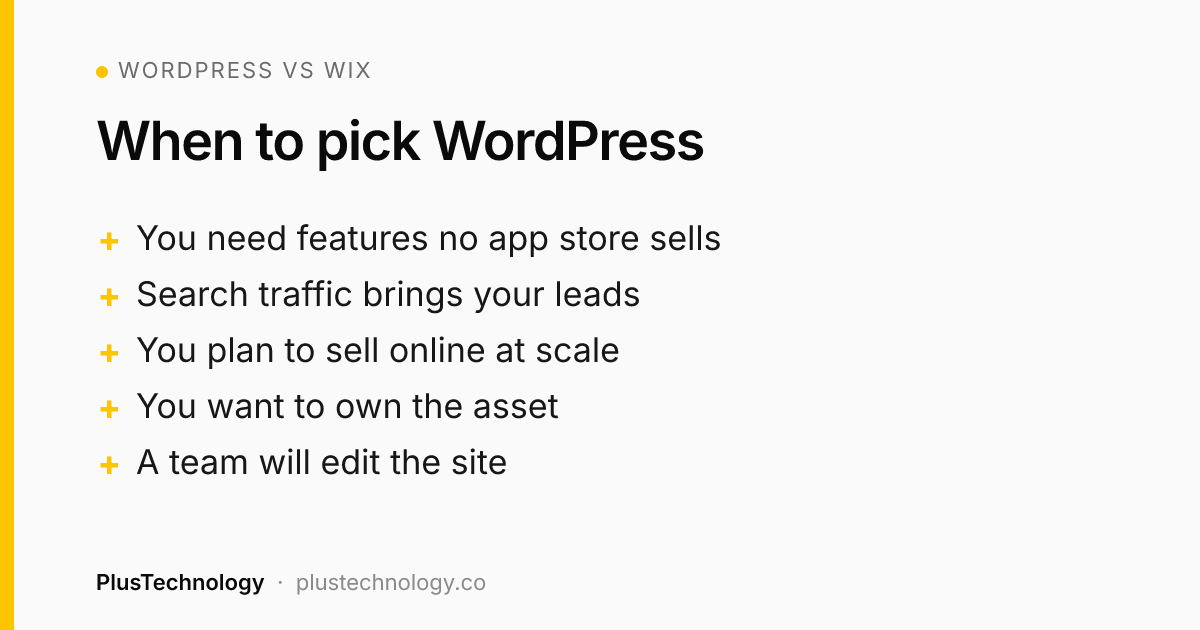
- You'll need features no app store sells. Custom quote forms, pricing rules, booking logic or a link to your CRM. On WordPress these are plugins or custom code; on Wix they're limited by what the platform allows.
- Search traffic is a main source of leads. WordPress lets you control every URL, template, schema type and script, and tools like Rank Math or Yoast make that manageable. That control compounds as you add content.
- You plan to sell online at scale. WooCommerce handles thousands of products and variations, B2B pricing, subscriptions and quote-based selling. Our WooCommerce vs Shopify guide covers when another hosted platform makes more sense.
- You want to own the asset. If the site is worth real money to the business, you should be able to move it, back it up off-platform and choose who works on it.
- A team will edit it. WordPress has user roles, editorial workflows and page builders like Elementor, so staff can update pages without touching code.
WordPress vs Wix: how do they compare on cost over time?
Wix pricing is simple to read: a monthly subscription, cheaper when billed yearly. On the current Wix plans page, paid plans start under $20 a month on yearly billing, and accepting payments requires the Core plan or higher. You pay that for as long as the site exists, and your own time building it is extra.
WordPress costs are spread differently:
- Build: DIY, or a professional build. At PlusTechnology a business website costs $800–$2,500, and a WooCommerce store $2,500–$10,000+.
- Running costs: hosting, a domain, and any premium plugins or theme licences you choose.
- Care: updates, backups and security monitoring, done by you or on a monthly care plan.
So on cost, WordPress vs Wix depends on the time frame. Wix is usually cheaper in year one for a DIY site. WordPress usually wins on value once you count what the site can do for the business and the cost of rebuilding when a Wix site hits its limits. For a full breakdown of what drives a WordPress budget, see our WordPress development services page.
Real example: what growth looks like on WordPress
Two PlusTechnology projects show the kind of growth that's hard to do on a closed builder.
A catalogue that kept growing. For CustomHue, a custom apparel company, we built a quote-based store on WordPress and WooCommerce from the client's mockups. It launched with 364 products and about 6,248 colour and size variations. We replaced the standard variation dropdowns with custom colour swatches, built a product page that fills the quote form with the shopper's exact choices and product link, and added a brand logo filter and a multi-step quote wizard. We kept the client's WoodMart theme and Elementor so their team can still edit pages themselves. The same build now lists 2,149 products.
A custom app inside an existing site. Two Costa Rica tour operators sold tours through WordPress forms with more than 200 fields each. We built a custom booking and payment system in React, TypeScript and Supabase and embedded it in their existing WordPress sites, so their content, pages and search rankings stayed where they were while the booking engine was replaced.
Neither project needed a platform switch to grow, and both needed things no site builder offers out of the box. That's the main argument for WordPress: when the business changes, the site can change with it.
How do you move from Wix to WordPress without losing traffic?
Most of the Wix vs WordPress questions we get on Upwork come from owners who already have a Wix site and want more from it. The good news is that a move from Wix to WordPress is routine work when it's planned.
Because a Wix site can't be exported to another host, a move is a rebuild plus a content migration. Done carefully, you keep your rankings:
- List every URL on the Wix site, along with its title, meta description and traffic from Google Search Console.
- Rebuild the design in WordPress on a staging site, improving it where it helps.
- Move the content: pages, blog posts, images and alt text. Blog posts can be pulled in with an RSS-based importer; pages usually go across by hand.
- Keep URLs the same where you can, and set a 301 redirect for every one that changes.
- Point the domain to the new host, submit the new sitemap and watch Search Console for errors in the first weeks.
We cover the SEO side in detail in how to redesign a website without losing SEO; the same rules apply to a platform move.
Which questions settle WordPress vs Wix for your business?
If you're still unsure, answer these five questions honestly. They're the same ones I ask on a discovery call:
- Where will this site be in two years? If the answer is "about the same", Wix is fine. If it's "bigger, with more products or tools", plan for WordPress now.
- Who will maintain it? If nobody will update plugins or check backups, either choose Wix or budget for a care plan on WordPress.
- Does any feature depend on your own rules? Custom pricing, quotes, bookings or integrations point to WordPress.
- How much does search traffic matter? The more your leads come from Google and AI search, the more the extra control in WordPress pays off.
- Would losing the site hurt? If yes, you want something you can back up off-platform and move, which favours WordPress.
Three or more answers pointing to growth means WordPress. Mostly "small and simple" means Wix is a sensible, low-effort start, and there's no shame in that.
Frequently asked questions
Is WordPress better than Wix?
For a business that plans to grow, usually yes: WordPress gives you full ownership, any host, any feature through plugins or custom code, and a real ecommerce platform in WooCommerce. Wix is better when you need a simple site live this week, have no budget for a developer and don't expect complex features.
Is Wix cheaper than WordPress?
At the start, often yes, because a DIY Wix site needs no developer. Over several years the gap narrows: Wix is a monthly subscription for as long as the site exists, while WordPress costs hosting, a domain, any premium plugins and maintenance. A professionally built WordPress business site at PlusTechnology costs $800–$2,500 once, plus hosting and care.
Can I move from Wix to WordPress?
Yes, but not with one click. Wix says its sites cannot be hosted anywhere else, so the design is rebuilt in WordPress and the content is moved across. Keep the same URLs where you can and add 301 redirects for every page that changes, so you don't lose search traffic.
Is Wix bad for SEO?
No. Wix covers the basics: titles, meta descriptions, sitemaps and clean URLs. WordPress gives more control over technical SEO, schema, site speed and URL structure, which matters more as a site grows to hundreds of pages or competes in a crowded market.
Should an online store use Wix or WordPress?
A small store with a few dozen simple products can run well on a Wix ecommerce plan. A store with large catalogues, many variations, quote requests, B2B pricing or custom integrations is better on WordPress with WooCommerce. At PlusTechnology a WooCommerce store costs $2,500–$10,000+.
Still deciding, or ready to move off Wix? See our WordPress development services, or message PlusTechnology on Upwork with your current site and goals, and we'll tell you honestly which platform fits.