

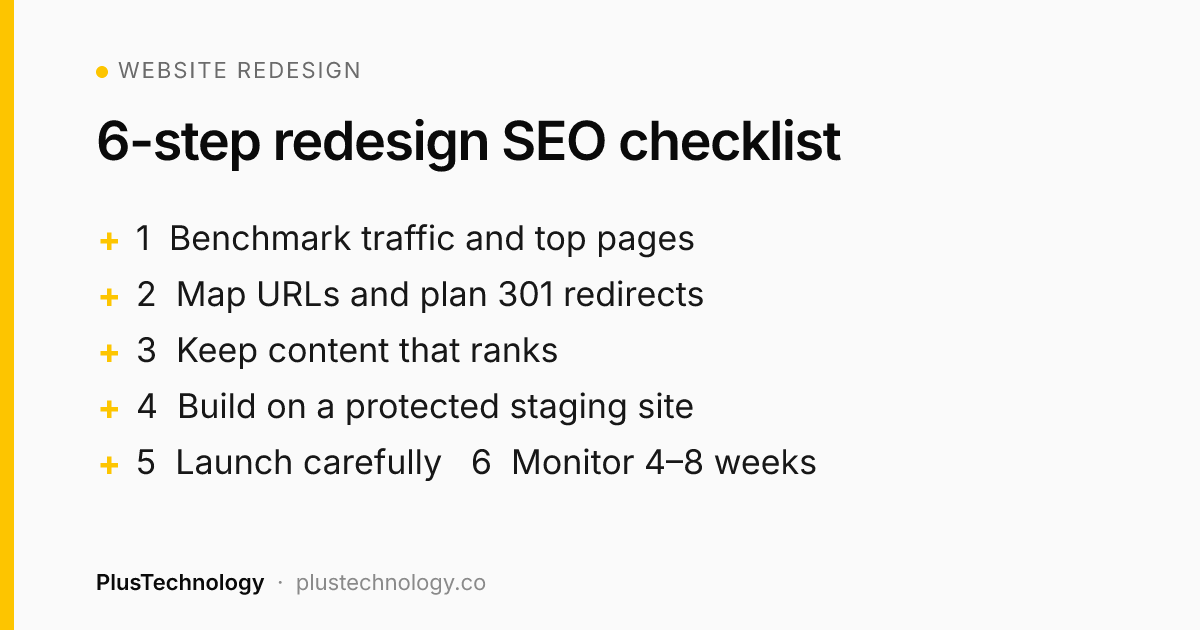
To do a website redesign without losing rankings: benchmark your current traffic and top pages, keep your URLs where possible, 301-redirect every URL that changes, keep the content, titles and headings of pages that rank, build on a noindexed staging site, and on launch day remove noindex, submit your sitemap and test redirects. Then monitor Google Search Console for 4–8 weeks. Small fluctuations are normal; big drops almost always mean missing redirects or removed content.
A redesign should make your website better at its job, not reset years of SEO work. Yet "we redesigned and our traffic halved" is one of the most common stories I hear from new clients. The good news: it's almost always avoidable.
Why a website redesign can lose Google traffic
- URLs change without redirects. Google finds 404 errors where your ranking pages used to be.
- Ranking content is removed or cut down to fit a "cleaner" design.
- The staging site's noindex setting goes live. This one mistake can remove a site from Google entirely.
- Internal links break or change, so important pages lose authority.
- The new site is slower, often because of heavy sliders, videos or page-builder bloat.
Step 1: Benchmark everything before your website redesign
You can't protect what you haven't measured. Before any design work:
- Export your top pages and queries from Google Search Console (the last 12 months).
- Export landing page traffic and conversions from Google Analytics 4.
- Crawl the current site with a tool like Screaming Frog to get every URL, title, meta description, H1 and canonical tag.
- Record Core Web Vitals and PageSpeed scores for key templates.
- List pages with backlinks from other websites. These must never 404.
Step 2: URL mapping and 301 redirects
The safest redesign keeps every URL the same. When URLs must change, create a redirect map: a simple spreadsheet with every old URL in one column and its closest new equivalent in the next.
| Old URL | New URL | Type |
|---|---|---|
| /our-services/seo-services/ | /services/seo/ | 301 |
| /2019/05/wordpress-tips/ | /blog/wordpress-tips/ | 301 |
| /old-promo-page/ | /services/ (closest match) | 301 |
Rules of thumb:
- Use 301 (permanent) redirects, not 302s.
- Redirect to the most relevant page, not everything to the homepage.
- Avoid redirect chains (A → B → C). Point old URLs straight to the final page.
- Keep redirects in place permanently.
Step 3: Keep content parity on pages that rank
Design can change completely; the substance of ranking pages should not. For every page that brings in traffic, carry over:
- The main body content (improve it, but don't thin it out)
- Title tag and meta description
- H1 and main subheadings
- Image alt text and file names
- Structured data (Organization, Product, FAQ, Article, LocalBusiness)
- Internal links to and from other key pages
Step 4: Build on a protected staging site
Build the new site on a staging environment that Google can't index: password protection is best, noindex is the fallback. Then test thoroughly:
- Crawl staging and compare it with your original crawl.
- Check every form, checkout and booking flow end to end.
- Test on real phones, not just a resized browser.
- Run PageSpeed Insights on key templates and aim to beat your benchmark.
Step 5: Launch-day checklist
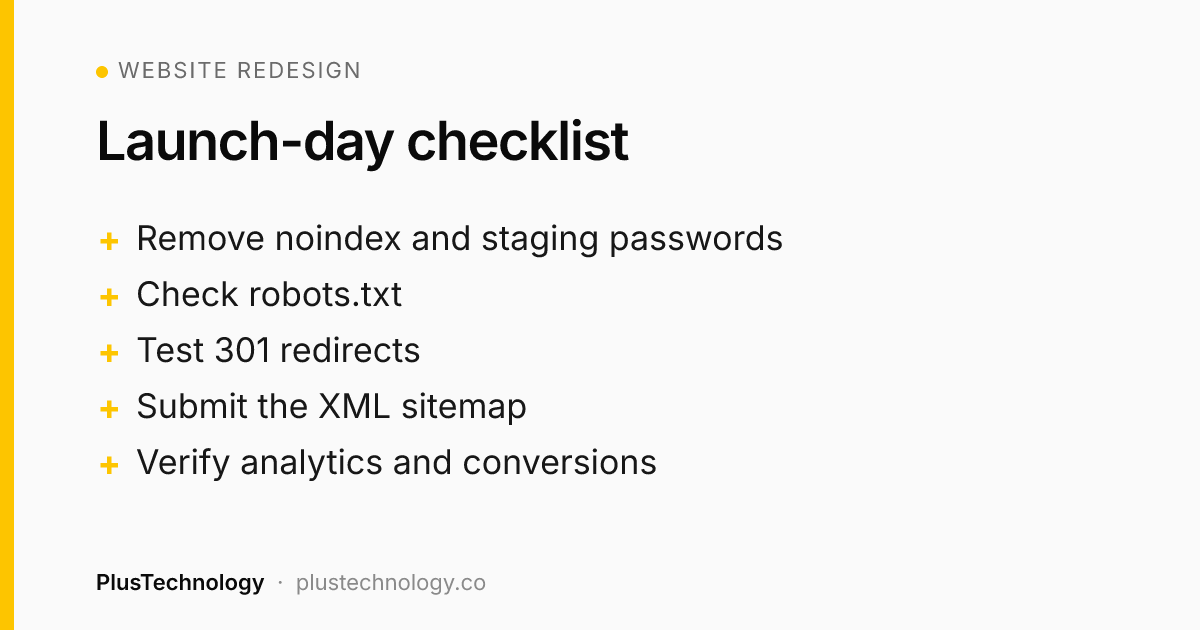
- Remove noindex and staging password protection. Check "Discourage search engines" is off in WordPress.
- Check robots.txt isn't blocking the site.
- Enable all 301 redirects and test a sample of old URLs.
- Confirm canonical tags point to the live domain, not staging.
- Submit the new XML sitemap in Google Search Console and Bing Webmaster Tools.
- Verify analytics and conversion tracking are recording.
- Launch early in the week, so you have time to fix issues quickly.
Step 6: What to monitor after launch
For at least four to eight weeks, check weekly:
- Search Console → Pages: new "Not found (404)" or "Excluded by noindex" errors.
- Search Console → Performance: clicks and impressions for your benchmark pages.
- GA4: organic traffic and conversions against your benchmark.
- Rankings for your 10–20 most valuable keywords.
Some movement in the first few weeks is normal while Google recrawls the site. If a specific page drops sharply, check its redirect, content and indexing status first.
WordPress website redesign tips
- Keep the same permalink structure (Settings → Permalinks) unless you have a strong reason to change it.
- Manage redirects with Rank Math, Yoast Premium or the Redirection plugin, or at server level for very large sites.
- When switching SEO plugins, use the built-in import tool so titles and meta descriptions carry over.
- Don't delete old media files that other sites link to.
- A redesign is a good moment to cut plugin bloat and move to a lighter theme. It's usually the biggest speed win.
Frequently asked questions
Will a website redesign hurt my SEO?
It doesn't have to. Rankings usually drop after a redesign because URLs change without redirects, ranking content is removed, or the staging site's noindex setting is left on. If you keep or redirect every URL, keep the content that ranks and check technical SEO at launch, most sites hold their rankings or improve.
How long does it take for rankings to recover after a redesign?
Small fluctuations in the first two to four weeks are normal while Google recrawls the site. A well-planned redesign typically settles within one to two months. A large, lasting drop usually points to missing redirects, removed content or an indexing problem.
Should I use 301 or 302 redirects when redesigning?
Use 301 (permanent) redirects for URLs that have moved permanently. They tell search engines to transfer the old page's signals to the new URL. Use 302 only for genuinely temporary moves.
Can I change my URL structure during a redesign?
You can, but only change URLs when there is a clear benefit, and map every old URL to its closest new equivalent with a 301 redirect. Keeping existing URLs is the safest option.
Planning a redesign? PlusTechnology handles the design, build and full SEO migration, so your rankings come with you. Hire us on Upwork.