

WooCommerce product variations work well at scale if you plan global attributes first, only create variations for options that change price, stock, SKU or image, and replace the default dropdowns with swatches. Above 30 variations per product the default dropdowns stop hiding unavailable combinations, and large variation forms can fail to save until your host raises PHP's max_input_vars limit.
WooCommerce product variations are easy when a T-shirt comes in three sizes and two colours. They get hard when one product has 20 colours and eight sizes, the catalogue has hundreds of products like it, and the store owner wants customers to see every option at a glance.
We hit exactly that on CustomHue, a custom apparel store that launched with 364 products and about 6,248 variations. This guide covers what breaks first when a variable catalogue grows, the fixes we use at PlusTechnology, and how to decide whether variations are even the right tool for your products.
How do WooCommerce product variations work?
A variable product is built in two layers. First you add attributes, such as Colour and Size, and tick "Used for variations". Then WooCommerce creates variations: one for each combination you want to sell, such as Navy / Large. Each variation can have its own price, SKU, stock level, weight and image, which is the whole point of using them.
Attributes come in two kinds, and the choice matters later:
- Global attributes are created once under Products > Attributes and shared by every product. They can power shop filters and keep naming consistent.
- Custom attributes live inside one product. They're quick for a one-off, but they can't be filtered across the catalogue and they drift: "Navy", "navy blue" and "Dark Navy" end up meaning the same thing.
Under the hood, WooCommerce product variations are each stored as their own product record with its own data. That's why a product with 160 variations behaves like 161 products when it's saved, imported or loaded by a filter. WooCommerce's variable product documentation walks through the screens; the rest of this guide is about what happens when the numbers get big.
Where do large variable products hit the limits?
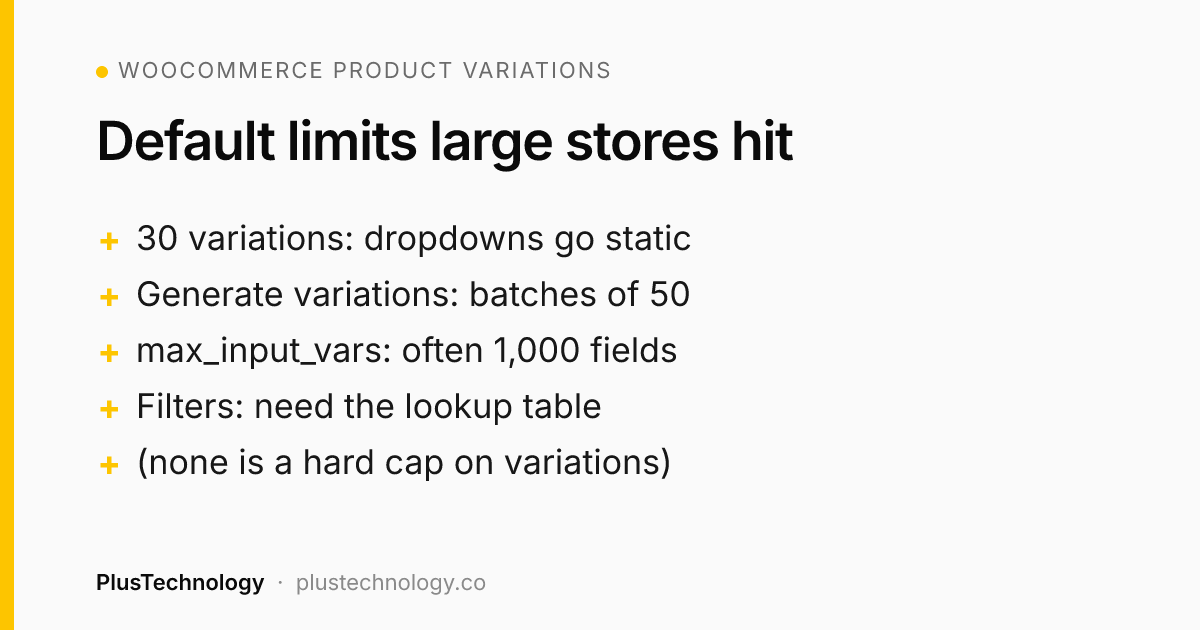
None of these are hard caps on how many WooCommerce product variations one product can have. They're the points where the default behaviour stops working well, and they catch store owners by surprise because nothing warns you in advance.
| Limit | Default | What you notice | The fix |
|---|---|---|---|
| Dynamic dropdowns on the product page | 30 variations | Above it, shoppers can pick combinations you don't sell and see "no products matched" | Swatches, or a carefully raised threshold |
| "Generate variations" button | Batches of 50 per click | You have to click it again and again on big products | CSV import or a script |
| PHP max_input_vars | Typically 1,000 fields | Variation changes silently don't save | Ask your host to raise it (WooCommerce suggests 3,000) |
| Attribute filters on the shop | Depends on the lookup table | Out-of-stock colours still show in filters; filters get slow | Turn on and regenerate the product attributes lookup table |
The 30-variation threshold is documented in WooCommerce's guide to changing the limit for dynamic dropdowns. The saving problem is covered in its page on large amounts of data not saving, which explains that a form with more fields than max_input_vars allows is truncated.
7 fixes for WooCommerce product variations in a large catalogue
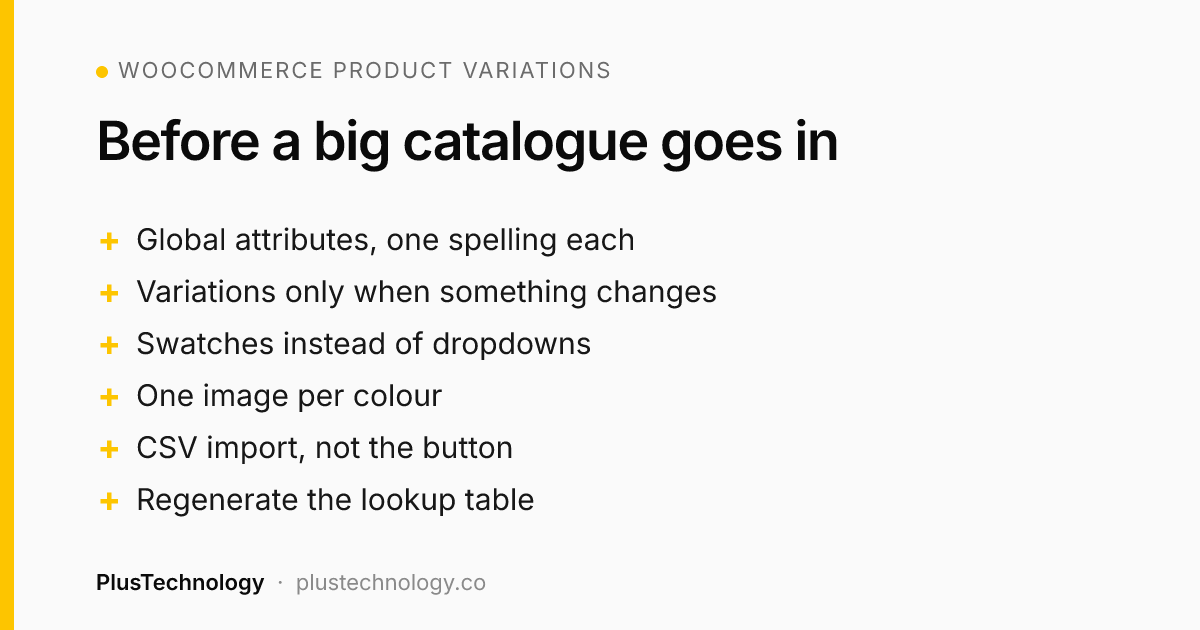
These are the steps we follow on any store where one product can carry dozens or hundreds of combinations. Most cost nothing; they just need doing before the products go in, not after.
1. Plan your attributes before you import anything
Write the full list of global attributes and their values first: every colour name, every size, in the order shoppers expect. Decide one spelling per value and stick to it. Fixing "Heather Grey" versus "Heather Gray" across 2,000 products later is a data-cleaning job, not a quick edit. Set each attribute's sort order to custom ordering so sizes appear as S, M, L, XL rather than alphabetically.
2. Only make a variation when something actually changes
A variation earns its place when it has its own price, stock, SKU or image. If an option changes none of those, it doesn't need to be a variation. A gift message, a name to print or an artwork file belongs in a form field or product add-on. This single decision can cut the number of WooCommerce product variations sharply, and every variation you don't create is one you never have to price, import or keep in stock.
3. Replace dropdowns with swatches
Dropdowns are fine for three sizes. For 20 colours they hide the choice behind a click and a scroll. Colour swatches show every option at once, and they get round the 30-variation problem: a well-built swatch script checks the available variation data and greys out combinations you don't sell, so shoppers can't pick a dead end. Many themes include swatches; for a design that has to match mockups exactly, we write them.
4. Raise the AJAX threshold only if you must
If you keep dropdowns, the woocommerce_ajax_variation_threshold filter raises the 30-variation limit. WooCommerce's own advice is to choose the lowest value that works, because higher values can affect product-page performance: the browser has to load and check more combinations on every selection. Test the slowest product on a phone before and after.
5. Bulk-create variations with an import, not the button
The "Generate variations" button creates every combination of your attributes, in batches, and then you still have to fill in prices and stock one by one or with bulk actions. For a large catalogue of WooCommerce variations, prepare a spreadsheet and use WooCommerce's built-in product CSV importer, which handles parent products and their variations together. For ongoing syncs from a supplier or another system, a script using the REST API or WP-CLI is more reliable than any manual screen. Before any of this, check max_input_vars under WooCommerce > Status so edits you make by hand actually save.
6. Give every colour its own image
Shoppers buy the colour they can see. Set an image on each colour variation (one image per colour is enough; sizes can share it) so the gallery switches when a swatch is clicked. Upload images at a sensible size, because a product with 20 colour images can easily become the heaviest page on the site. Our WooCommerce speed optimization guide covers image sizes and the other fixes that keep product pages fast.
7. Make filters use the lookup table
Shop filters by colour or size read from WooCommerce's product attributes lookup table, which was added to fix filtering for variable products with out-of-stock variations. WooCommerce 9.1 added an "Optimized updates" option for it under WooCommerce > Settings > Products > Advanced, and a wp wc palt regenerate command to rebuild it, as described in the WooCommerce developer blog. After a big import, regenerate the table and test that an out-of-stock colour disappears from the filter results.
Real example: how we built CustomHue's 6,000-variation store
CustomHue prints t-shirts, hoodies, jackets, polos and other apparel for businesses and teams in the United States. Customers don't check out; they pick a garment, a colour and options, then ask for a quote. The store launched with 364 products and an estimated 6,248 colour and size variations, built on the client's existing WoodMart theme and Elementor so their team could keep editing pages.
What we did about the WooCommerce product variations:
- Custom colour swatches instead of dropdowns. We replaced WooCommerce's variation dropdowns with swatches styled to the brand, so shoppers see every available colour at a glance.
- Gallery images that follow the swatch. Clicking a colour switches the product gallery to that colour's image.
- The chosen variation travels with the quote. The product page reads the selected variation and fills the quote form automatically, then sends the request with the product data and a link to the exact product. The team sees what the customer chose without asking.
- Built from WooCommerce's own data. Swatches, product cards and the brand logo filter read the standard product and variation data, so new products appear correctly without extra set-up.
- Staging first. Everything was built and tested on a staging site before launch.
The test of that approach came after launch: the store now lists 2,149 products on the same build. The lesson we took from it is that the variation count is rarely the problem. The problems are the default dropdown interface, inconsistent attribute data and custom features that don't read from WooCommerce's own data. Fix those three and a catalogue of variable products grows without a rebuild.
Should you use variations, add-ons or a custom configurator?
WooCommerce variations aren't the only way to sell a product with options. Picking the right model up front saves a rebuild later.
| Approach | Use it when | Watch out for |
|---|---|---|
| Variations | Each option has its own price, stock, SKU or image (size, colour, material) | Combinations multiply fast: 20 colours × 8 sizes is 160 variations |
| Product add-ons or form fields | Options are free-text or don't need stock (print name, note, artwork upload) | Extra prices need an add-ons tool or custom code |
| Request a quote | Price depends on quantity, artwork or custom work | The quote request must carry the exact product and options |
| Custom configurator | Options depend on each other or price follows a formula | A bigger build; worth it only when the other three can't cope |
Many stores combine them. CustomHue uses variations for colour and size, then a quote request for the parts that depend on the job. If you're still deciding on a platform, our WooCommerce vs Shopify comparison explains how each handles large option sets.
What does it cost to set up WooCommerce product variations properly?
Attribute planning, swatches and an import template are a normal part of a new store build. At PlusTechnology a WooCommerce store costs $2,500–$10,000+, and large variable catalogues with custom swatches, quote flows or supplier syncs sit toward the upper end of that range. On an existing store, fixing variations is usually a smaller, fixed-price job: clean the attributes, add swatches, set up the import and check the server limits.
Before you ask for quotes, gather three things: your attribute list with every value, a sample of your product data in a spreadsheet, and the slowest or largest product on your current site. That's enough for a developer to tell you what to fix and what it will take.
Frequently asked questions
How many variations can a WooCommerce product have?
There is no hard cap in WooCommerce itself. The practical limits come earlier: above 30 variations the product page dropdowns stop hiding unavailable combinations, the Generate variations button creates them in batches, and a server with a low max_input_vars setting can fail to save large variation forms.
Why are my WooCommerce variations not saving?
Usually the PHP max_input_vars limit. WooCommerce's documentation says it is typically 1,000 by default, and a form with more fields than that is truncated. Check the value under WooCommerce > Status and ask your host to raise it; WooCommerce suggests 3,000.
Do lots of variations slow down a WooCommerce store?
They can. Each variation is stored as its own product record, so very large variable products make product pages, admin screens and filters work harder. Keep variations to options that change price, stock, SKU or image, and test speed on staging with the real catalogue.
Should I use variations or product add-ons?
Use variations when an option changes price, stock, SKU or the product image, such as size and colour. Use add-ons or form fields for details that don't need their own stock, such as a print name, a note or an artwork upload.
Do I need a plugin for WooCommerce variation swatches?
Not necessarily. Many themes and plugins add swatches, and they suit most stores. On CustomHue, PlusTechnology wrote custom swatches on top of the client's theme so they matched the mockups and worked across thousands of variations.
Running a store with more variations than the default screens can handle? See our WooCommerce development services, or send PlusTechnology your product list on Upwork and we'll reply with a plan and a fixed quote.