
Claude Code for WordPress works best on a local or staging copy of the site, with your theme or plugin in Git and a CLAUDE.md file that states your PHP version, prefix, text domain and coding standard. Let it write the boilerplate, hooks and WP-CLI scripts, then make every change pass the WordPress coding standards, Plugin Check and a human review before it reaches the live site.
Most of what I've built in ten years is WordPress: themes, plugins, WooCommerce stores and the odd integration that nobody else wanted to touch. Using Claude Code for WordPress work has changed how fast that code gets written. It hasn't changed what makes a WordPress project succeed: a clear scope, careful security and testing on a copy of the site before anything goes live.
This guide is for developers and technical business owners who want to use Claude Code for WordPress themes and plugins without creating a mess they'll pay for later. It's based on how we work at PlusTechnology across 400+ client projects, including the custom theme that runs this site.
What is Claude Code for WordPress good at, and where does it fall short?
Claude Code is an AI coding agent that reads your files, runs commands in your terminal and edits code. In WordPress terms, that means it can read a theme, run WP-CLI, write a plugin and run your linter. Here's where it earns its place and where it needs a firm hand:
| Task | How well it does | What to watch |
|---|---|---|
| Plugin and theme boilerplate | Very well | Prefix every function, option and hook name |
| Hooks, filters and template changes | Well | Hook priority and side effects on other plugins |
| Settings pages, REST routes, AJAX | Well | Capability checks, nonces, sanitizing and escaping |
| WP-CLI scripts and data migrations | Very well | Run on a copy first; keep a database backup |
| Reading an unfamiliar plugin's code | Very well | Confirm its explanation against the actual code |
| Design, scope and content decisions | Poorly | These stay with you and the client |
| Checking real checkout or payment flows | Not at all on its own | A person tests these on staging |
The pattern is simple. It's strong when the answer is in the code and the WordPress docs, and weak when the answer is in the business.
How do you set up Claude Code for WordPress projects?
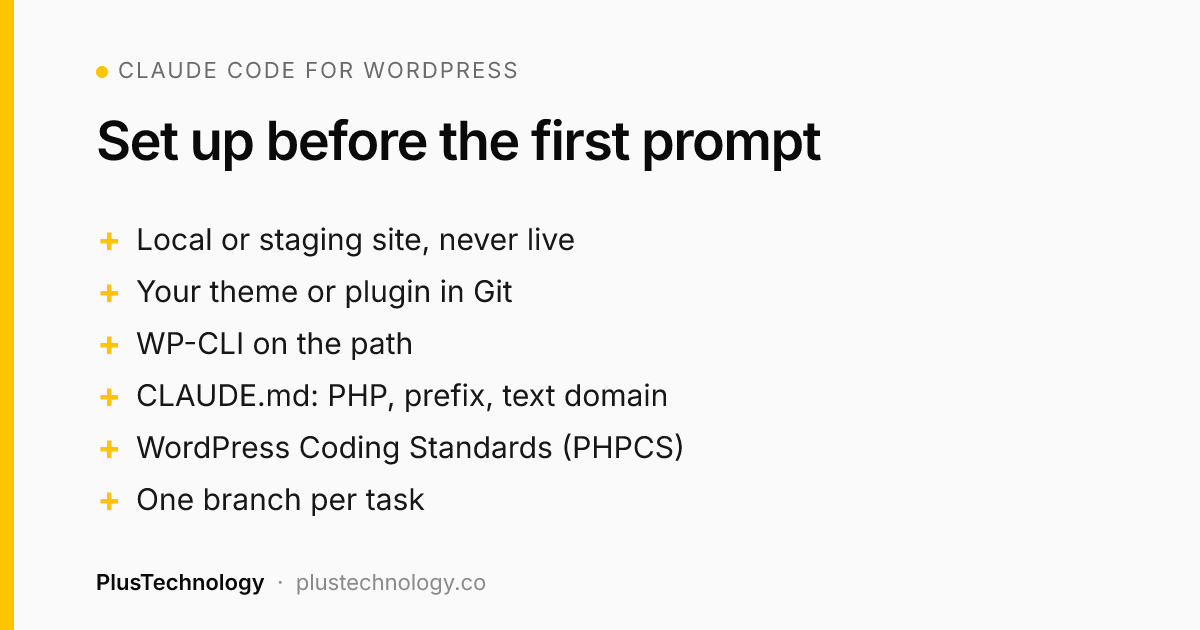
Set-up matters more than prompts. These steps are the difference between a helpful assistant and an expensive cleanup job:
- Work on a local or staging site. Any local stack works: Local, wp-env, DDEV or a plain PHP and MySQL install. The rule is that Claude Code never edits a live site directly.
- Put only your own code in Git. Version the theme or plugin folder, not WordPress core or third-party plugins. Claude Code then sees what you own and every change shows up as a diff.
- Make WP-CLI available. With
wpon the path, Claude Code can list plugins, read options, flush rewrite rules and run your own commands instead of guessing. - Write a CLAUDE.md file. Run
/initto generate a first draft, then add the WordPress facts it can't discover on its own (see the list below). - Add the coding standards. Install PHP_CodeSniffer with the WordPress Coding Standards through Composer, so Claude Code can lint its own work.
- Branch for every task. One task, one branch, one pull request you review before merging.
Anthropic's CLAUDE.md documentation recommends keeping each file under 200 lines, because longer files use more context and are followed less consistently. For WordPress, these are the lines that pay for themselves:
- The minimum PHP and WordPress versions you support.
- Your function and option prefix, and your text domain for translations.
- "Follow the WordPress Coding Standards; run
phpcsbefore finishing." - "Never edit WordPress core or files in other plugins."
- "Escape all output late, sanitize all input, check capabilities and nonces on every form and route."
- How to build, test and deploy, and which branch goes where.
How do you build a custom WordPress theme with Claude Code?
Start by choosing the kind of theme, because it changes everything Claude Code writes. A block theme is driven by theme.json and HTML templates, and lets editors change layouts in the Site Editor. A classic theme uses PHP templates and gives you tighter control. Tell Claude Code which one you're building in CLAUDE.md, or it will mix the two.
Then build it in this order, one step per session:
- Design tokens first. Colours, fonts, spacing and widths go into
theme.json(block theme) or CSS custom properties (classic theme). Every template after that reuses them. - Base templates. Header, footer, single post, page, archive and 404. Ask for semantic HTML and one heading structure across all of them.
- Reusable patterns or blocks for the sections your client will repeat, so they can add pages without breaking the layout.
- Performance pass. Only load scripts where they're used, set image sizes, and check Core Web Vitals on a real page.
The mistake I see most is asking for "a complete theme" in one prompt. You get a lot of code quickly, and nobody understands it. Small steps give you code you can review, and a theme your client can live with for years.
How do you build a WordPress plugin with Claude Code?
Plugins are where AI-written code is most dangerous, because a plugin can read and change any data on the site. The WordPress security handbook puts the rule in four words: "Never trust user input." So the prompt matters less than the brief. A good plugin brief to Claude Code says:
- What the plugin does, who uses it (admin, editor, customer, visitor) and what data it stores.
- Which capability each screen and REST route needs, for example
manage_optionsfor settings. - That every form uses a nonce, every input is validated or sanitized, and every output is escaped as late as possible.
- Where data lives (options, post meta or a custom table) and what happens on uninstall.
- That database queries use
$wpdb->prepare()and that no secrets are written into the code.
Then read the result line by line. Look first for missing capability checks and unescaped output. The code still "works" without them, which is exactly why they slip through.
What checks should every AI-written WordPress change pass?
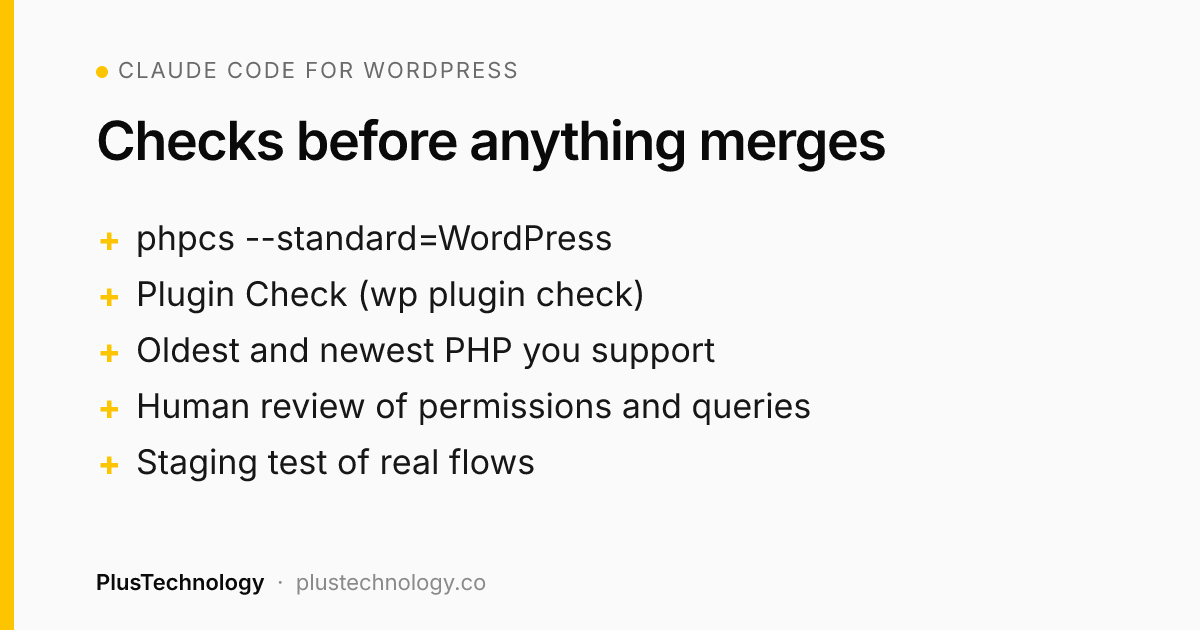
Treat Claude Code's output like a pull request from a capable new developer. These checks run before anything merges:
- Coding standards.
phpcs --standard=WordPressflags formatting, unescaped output, unsanitized input and missing nonces. A Claude Code PostToolUse hook with anEdit|Writematcher can run it after every edit, so problems surface immediately. - Plugin Check. WordPress.org's own Plugin Check tool tests plugins against directory requirements and flags accessibility, performance and security best practices. Run it from Tools in wp-admin or with
wp plugin check your-plugin. - PHP compatibility. Test on the oldest and newest PHP versions you support.
- A human review of every permission check, database query and file write.
- A staging test of the real flows: forms, checkout, logins and anything the plugin touches.
None of this is new. It's what good WordPress teams did before AI. Claude Code makes skipping it more tempting, because the code arrives faster than the review.
Should you connect Claude Code to a WordPress site with MCP?
Sometimes, carefully. WordPress 6.9 added the Abilities API, and the official MCP Adapter exposes registered abilities to AI clients as tools. The WordPress developer blog's MCP Adapter introduction describes two ways to connect: STDIO through WP-CLI for local sites, and an HTTP proxy with an application password for public ones.
The same article warns that MCP clients act as logged-in WordPress users, so they're part of your application's attack surface. It recommends a dedicated user with limited capabilities, read-only abilities on public endpoints, and never using __return_true as the permission check for destructive actions. My rule is stricter for client work: MCP on local and staging sites, never with an administrator account on a live store.
Real example: the custom theme behind plustechnology.co
This website is a working example of using Claude Code for WordPress the careful way. It runs on a custom classic theme with no page builder: about 1,000 lines of PHP across ten files. The pages you're reading are written as static HTML in a Git repository, which is the single source of truth.
- An export step turns that HTML into one JSON file inside the theme.
- A custom importer in the theme creates or updates every page and post from that file. It finds each item again by a stable source key, so re-running it updates pages instead of duplicating them, and it skips items whose content hasn't changed.
- Old posts keep their URLs. The 11 posts that existed before the redesign are updated in place at their original addresses, so their search history isn't lost.
- SEO fields are code too. The importer writes each page's Rank Math title and description, and the build fails if any page scores below 81.
- Deploys go through review. Claude Code works on a branch and opens a pull request; a merge runs a GitHub Actions workflow that copies the theme over SSH and runs the importer with WP-CLI. Our host strips the HTTP Authorization header, so the REST route can't log in. That fact is written in CLAUDE.md, so it's never rediscovered the hard way.
Claude Code wrote a lot of this code. The decisions that make it safe, such as static HTML as the source of truth, idempotent imports, a score that blocks the build and a human merge, were ours. That split is the real lesson. We covered the plugins we use alongside this set-up in our Claude Code plugins guide.
How much faster is WordPress development with Claude Code?
Faster at writing code; not much faster at everything else. The time savings are real for boilerplate, refactors, WP-CLI scripts, data migrations and reading unfamiliar plugins. They're small for discovery calls, design, content, testing on real devices and launch, which is most of a client project.
Our price ranges reflect that: a business website is $800–$2,500 and a custom plugin $500–$5,000+ on our WordPress development page. What the client gets for the same budget is more polish and more testing, because less time goes into typing.
Frequently asked questions
Can Claude Code build a WordPress plugin?
Yes. It can write the plugin file, hooks, settings pages, REST routes and WP-CLI commands. What it can't do is decide what the plugin should do or check the result on your real data. Treat its code like a pull request from a new developer: run the WordPress coding standards and Plugin Check, read every permission and escaping call, and test it on a staging site.
Do I need to know PHP to use Claude Code for WordPress?
To ship code to a live business site, yes, or you need someone who does. Claude Code writes PHP quickly, but you have to be able to read it, spot a missing capability check or unescaped output, and say no to an approach that will be hard to maintain.
Should I let Claude Code edit my live WordPress site?
No. Run it against a local copy or a staging site, keep the theme or plugin in Git, and deploy reviewed changes with your normal process. If you connect an AI client through the WordPress MCP Adapter, use a dedicated user with limited permissions and keep public endpoints read-only.
Is Claude Code better than a page builder for WordPress?
They solve different problems. A page builder lets non-developers lay out pages; Claude Code helps developers write themes, plugins and scripts. For a lean custom theme with no builder, Claude Code removes much of the boilerplate, but the site owner still edits content in the normal WordPress editor.
Does AI make custom WordPress development cheaper?
It makes the typing faster, not the thinking, testing or launch. At PlusTechnology a business website still costs $800–$2,500 and a custom plugin $500–$5,000+, because most of the cost is scope, design, content, testing and support, not keystrokes.
Need a custom theme or plugin built with this kind of tested, reviewed workflow? See our WordPress development services, or send PlusTechnology your brief on Upwork and we'll reply with a plan and a fixed quote.