

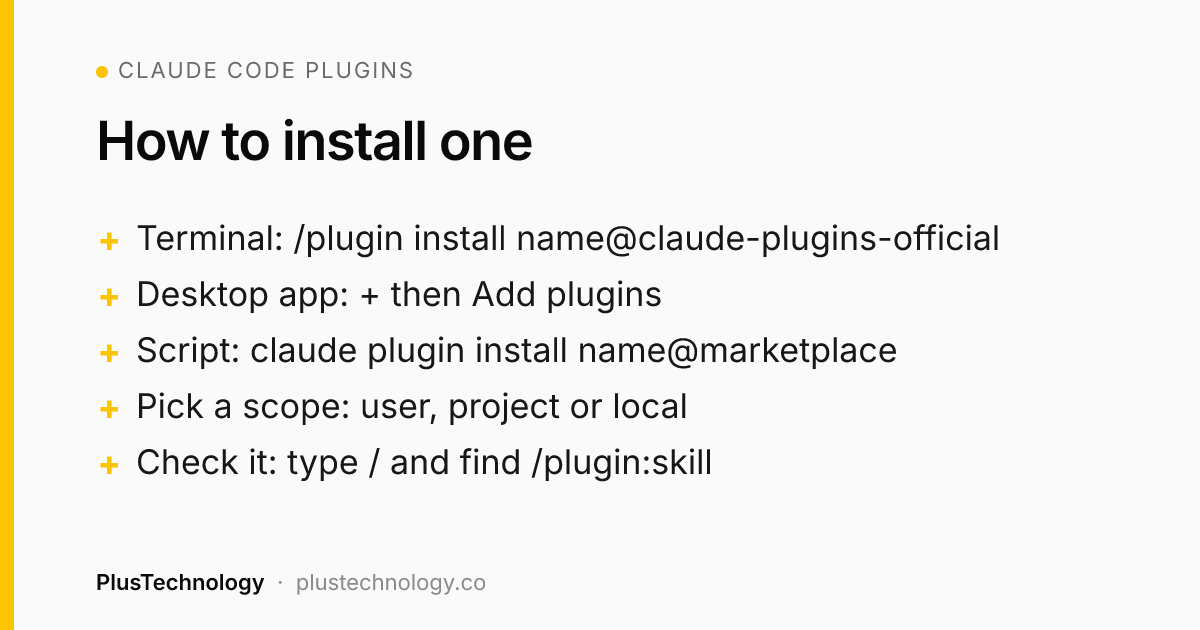
Claude Code plugins are packages of skills, agents, hooks and MCP servers that you install with one command, for example /plugin install commit-commands@claude-plugins-official in a terminal session, or + → Add plugins in the desktop app. For web development, start with commit-commands, code-review, security-guidance, a language-server plugin for your stack, Playwright and Context7. Install only what you'll use every week, because every enabled plugin adds to the context of every session.
Claude Code plugins went from a niche feature to the main way people share their Claude Code setup, and the official marketplace now lists hundreds of them. Most are integrations for one company's product. After more than 400 client projects, mostly WordPress, WooCommerce and custom web apps, my view is simple: a handful of plugins save real time on every project, and the rest are noise that makes each session slower and more expensive. This guide covers how to install them, the ten worth starting with, and the checks to run before trusting one.
What are Claude Code plugins, and do you need one?
A plugin is a folder with a manifest at .claude-plugin/plugin.json and one or more components, which Claude Code installs and loads as a unit. According to Anthropic's plugins overview, those components can be:
- Skills:
SKILL.mdinstructions Claude loads when they're relevant, which you can also run as a command such as/commit-commands:commit. - Agents: subagents Claude can hand a task to, like a dedicated code reviewer.
- Hooks: commands that run at fixed points, for example after every file edit.
- MCP servers: tool servers that connect Claude to GitHub, a browser, a database or a docs index.
- Language servers (LSP): code intelligence for PHP, TypeScript, Python and other languages.
You don't need a plugin for everything. A skill saved in ~/.claude/skills/, or a CLAUDE.md file in your repository, works on its own. Plugins earn their place when you want someone else's tested setup with one command and automatic updates, or when you want to give your own setup to a team.
How do you install Claude Code plugins?
Claude Code adds Anthropic's official marketplace, claude-plugins-official, the first time you start an interactive terminal session. Then pick the method that matches where you work, as set out in the install and manage plugins docs:
- Terminal: run
/pluginto browse the Discover tab, or/plugin install <name>@claude-plugins-officialto open one plugin's details. Read what it will install, then choose a scope. - Desktop app (Code tab): click + next to the prompt box, choose Add plugins, select the plugin and pick a scope.
- VS Code: type
/pluginsin the Claude Code panel and click Install. - From a script:
claude plugin install <name>@claude-plugins-officialinstalls at user scope; add--scope projectto share it with a repository. On a fresh machine, runclaude plugin marketplace add anthropics/claude-plugins-officialfirst.
The scope decides who gets the plugin:
| Scope | Who gets it | Where it's saved |
|---|---|---|
| User | You, in every project on this computer | ~/.claude/settings.json |
| Project | Everyone working in the repository (each installs it once) | .claude/settings.json, committed |
| Local | You, in this repository only | .claude/settings.local.json |
After installing, type / and look for the plugin's skills under its name. Disable, update or uninstall from the Installed tab of /plugin, or with claude plugin disable, update and uninstall in your shell. Plugins from the official marketplace auto-update; third-party marketplaces don't unless you turn it on. One catch: cloud sessions at claude.ai/code don't load the plugins installed on your own machine.
What are the best Claude Code plugins for web developers?
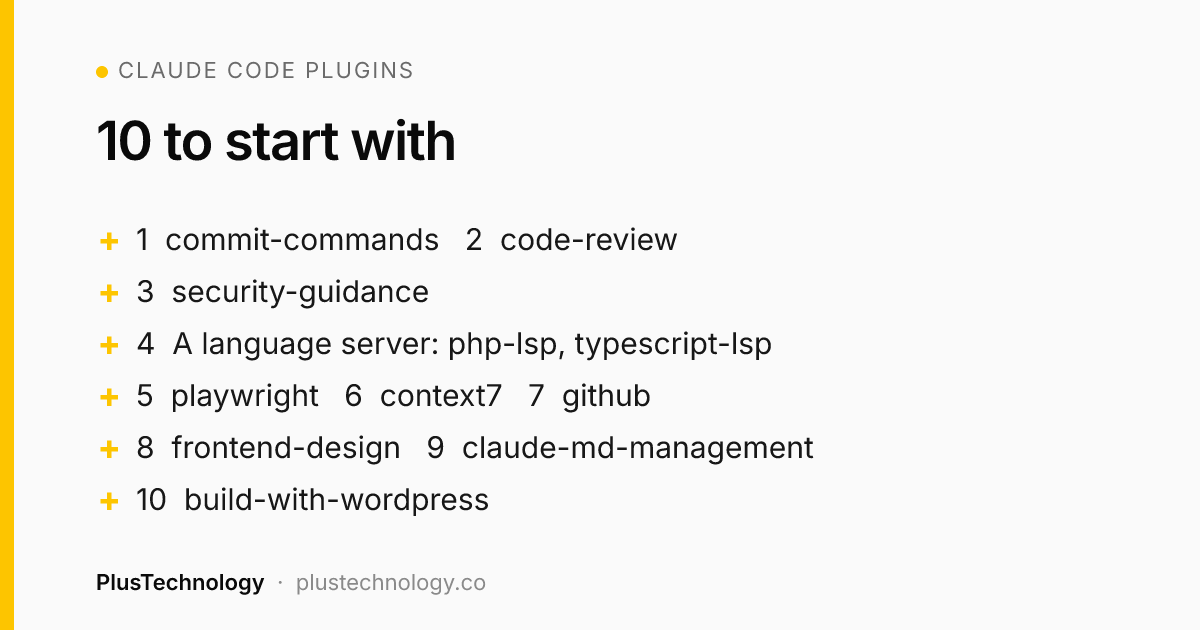
These ten are all listed in the official marketplace repository. They're the ones we'd install first for website, WooCommerce and web app work, roughly in that order.
1. commit-commands (Anthropic)
Skills for committing, pushing and opening pull requests. Small, but it standardizes the boring end of every task, and it's the example Anthropic's own docs use for a first install.
2. code-review (Anthropic)
Reviews a pull request with several specialized agents and scores each finding for confidence to filter out false positives. Use it as a second pair of eyes before a human review, not instead of one.
3. security-guidance (Anthropic)
Warns about risky patterns as Claude edits, reviews the diff when Claude finishes, and checks commits for injection, XSS, hardcoded secrets and other common holes. On WordPress code, where unescaped output and unchecked form input are the usual problems, this is the one I'd never skip.
4. A language-server plugin for your stack
php-lsp (Intelephense) for WordPress and WooCommerce, typescript-lsp for React and Next.js, pyright-lsp for Python. They give Claude real code intelligence: definitions, references and type errors instead of guesses. The plugin starts the language server but doesn't ship it, so install the server itself (for example intelephense) on your machine first.
5. playwright (Microsoft)
An MCP server that lets Claude open pages in a real browser, click, fill forms and take screenshots. It's how you get Claude to check that the checkout still works after a change, rather than assuming it does.
6. context7 (Upstash)
Pulls current, version-specific documentation into the session. It helps most with fast-moving libraries, where the model's training data is a version or two behind.
7. github (GitHub)
GitHub's official MCP server: issues, pull requests, reviews and code search. If the gh CLI is already installed, Claude can do much of this through the shell, so try that first and add the plugin only if you need more.
8. frontend-design (Anthropic)
Guidance that pushes Claude away from generic, template-looking interfaces. Useful for landing pages and prototypes; on a site with an established design system, your own rules in CLAUDE.md matter more.
9. claude-md-management (Anthropic)
Audits and updates your CLAUDE.md files and captures what was learned in a session. Since that file does more for output quality than any plugin, keeping it accurate pays off on every project.
10. build-with-wordpress (Automattic)
Skills for themes, plugins, commerce and deployment from the company behind WordPress.com. Worth a look if most of your work is WordPress; test it on a staging site before trusting its deployment steps on a live one.
Two more for later: plugin-dev and skill-creator help you build your own once you've noticed you're giving Claude the same instructions every week.
Do Claude Code plugins slow down your sessions?
They can. An enabled plugin is part of every session, not only the ones where you use it. The name and description of each skill, agent and command sit in Claude's context on every turn, its MCP servers run alongside each session, and its hooks fire at their events. Those tokens count toward your usage and leave less room for your actual code.
- Before installing: official marketplace plugins show a Context cost estimate in the details pane: what they add every turn, and what they add when used.
- After installing:
claude plugin details <name>prints the always-on token count. - Every month or so: check the Not used recently group on the Installed tab and disable what's there.
A sensible rule: user scope for the few plugins used everywhere, project or local scope for anything tied to one client's stack.
How do you check a plugin before you trust it?
Anthropic's plugin security page is blunt: a plugin can run arbitrary code on your machine with your user privileges, and Anthropic doesn't control or verify what third-party plugins contain. Hooks and MCP servers also run outside Claude Code's permission rules and sandbox. Before installing anything outside the official marketplace:
- Run
claude plugin marketplace listto see where each marketplace comes from. - Read the Will install list in the plugin's details pane.
- Open the source and read
hooks/hooks.json,.mcp.jsonand anything inbin/. - Prefer plugins from the company that makes the product (GitHub's own GitHub plugin, Microsoft's Playwright).
- Never give a plugin's MCP server production credentials on a client project without the client's agreement.
Real example: how this site is built and deployed with Claude Code
plustechnology.co itself is maintained with Claude Code, and the lesson from it is that plugins are the smaller part of a good setup. The bigger part is the project's own rules and scripts:
- A detailed
CLAUDE.md. It holds the brand rules, the price ranges every page must match, the Rank Math checklist, and a rule that no credentials or private client data go in any file. - A build script that enforces quality.
build/build.shrenders the images, exports the content for WordPress and fails if any page scores below 81 in Rank Math, so Claude can't hand over a page that misses the bar. - Branches and pull requests only. Claude works on a branch and opens a pull request; Rehan reviews and merges. A merge into
mainruns a GitHub Actions workflow that deploys the theme over SSH and runs the importer with WP-CLI. - A real-world constraint written down. The site's host strips the HTTP Authorization header, so the WordPress REST import route can't log in. That's recorded in
CLAUDE.md, so Claude uses the SSH route every time instead of rediscovering the problem.
The blog runs the same way: a scheduled Claude Code task drafts a post on its own branch, runs the build and the Rank Math check, and opens a pull request. Nothing is published until it's reviewed and merged. Plugins sit on top of that for general jobs like reviews and browser checks. If you want the same kind of setup for your own site or store, that's part of our web development services.
Frequently asked questions
Are Claude Code plugins free?
The plugins in Anthropic's official marketplace install at no extra charge, but every enabled plugin adds tokens to your sessions, which counts toward your Claude usage. Plugins that connect to another service, such as GitHub, Sentry or Stripe, may also need an account or a paid plan with that service.
What is the difference between a plugin and a skill in Claude Code?
A skill is one set of instructions in a SKILL.md file. A plugin is a package that can hold several skills plus agents, hooks, MCP servers and language servers, installed and updated as one unit from a marketplace. If you only need one skill for yourself, you don't need a plugin.
Do Claude Code plugins work in the desktop app and VS Code?
Yes. The terminal, the desktop app's local sessions and the VS Code extension on one computer read the same settings files, so a plugin installed at user scope in one is available in the other two. Cloud sessions at claude.ai/code don't load plugins you installed on your own machine.
Are Claude Code plugins safe?
Only as safe as their author. A plugin can run code on your machine with your user privileges through hooks and MCP servers, and Anthropic says it cannot verify what third-party plugins do. Read the plugin's details pane and its hooks and .mcp.json files before installing, especially from a marketplace you don't know.
How do I share Claude Code plugins with my team?
Install the plugin at project scope. That writes it to the repository's .claude/settings.json, which you commit. Each teammate still runs the install once on their own machine, for example claude plugin install name@marketplace --scope project.
Want a site or store built with this kind of tested, reviewed workflow? See our web development services, or send PlusTechnology your project on Upwork and we'll reply with a plan.