
An AI chatbot for website visitors is worth it when it answers only from your own pages, policies and product data, and hands the visitor to a person for quotes, complaints and anything it can't answer. Hosted tools charge a monthly fee or a fee per resolved conversation; a custom build is a one-off project, and its AI usage is often a few dollars to a few tens of dollars a month at small-business volumes.
Most business owners who ask us for an AI chatbot for their website want one of two things: fewer repeat questions in the inbox, or more leads from visitors who arrive after hours. Both are realistic. What isn't realistic is a bot that "knows everything" and never needs a person behind it.
This guide explains what a website chatbot is good at, where it gets businesses into trouble, how the good ones are built, and what you'll actually pay. It's written from the AI automation work we do at PlusTechnology, where the hard part is never connecting a model. It's deciding what the bot is allowed to say.
What can an AI chatbot for your website actually do?
A modern chatbot reads the visitor's question, finds the relevant parts of your content and writes an answer in plain language. That makes it good at the jobs where the answer already exists somewhere on your site:
| Job | How well it works | What to watch |
|---|---|---|
| Answering FAQs: hours, delivery, returns, service areas | Very well | Only if the answers are written down and current |
| Finding the right product or service page | Well | Needs clean product data, not just page text |
| Collecting lead details for a quote | Very well | Ask for the minimum; send leads straight to your CRM or inbox |
| Order status on an online store | Well, with an integration | Must verify the customer before showing order data |
| Booking or scheduling | Well, with an integration | Read live availability; never guess a free slot |
| Pricing for custom work | Poorly | Give published ranges, then hand over to a person |
| Complaints, refunds, legal or medical questions | Not on its own | Hand over to a person every time |
The pattern is the same as with any automation: it's strong when the answer is in your content and weak when the answer needs judgement. Our guide to AI automation for small business covers the other workflows that usually pay off alongside a chatbot.
What should a website chatbot never be trusted to do?
The risk with AI chatbots isn't that they say "I don't know". It's that they confidently say something false. A language model left to its own knowledge will fill a gap with a plausible answer: a refund window you don't offer, a discount that doesn't exist, a delivery date nobody promised.
That isn't just embarrassing. In 2024 a Canadian tribunal held Air Canada responsible after its website chatbot gave a customer wrong information about bereavement fares. As Torkin Manes' summary of the decision explains, the airline argued the chatbot was a separate entity responsible for its own actions; the tribunal rejected that, and found it didn't matter that the correct policy was elsewhere on the site. It was a small-claims tribunal, not a court, but the lesson for any business is plain: what your chatbot says, your business said.
So the line we draw for clients is simple. The bot can explain published facts and collect details. It never invents a policy or price, promises a refund or exception, or gives advice that needs a professional.
How does a chatbot answer from your own content?
The technique is called retrieval-augmented generation, or RAG. Instead of letting the model answer from memory, the system first searches your content, then hands the best matches to the model with an instruction to answer from those passages only. OpenAI's retrieval guide describes the building block: a vector store that splits, embeds and indexes your files so they can be searched by meaning rather than exact keywords.
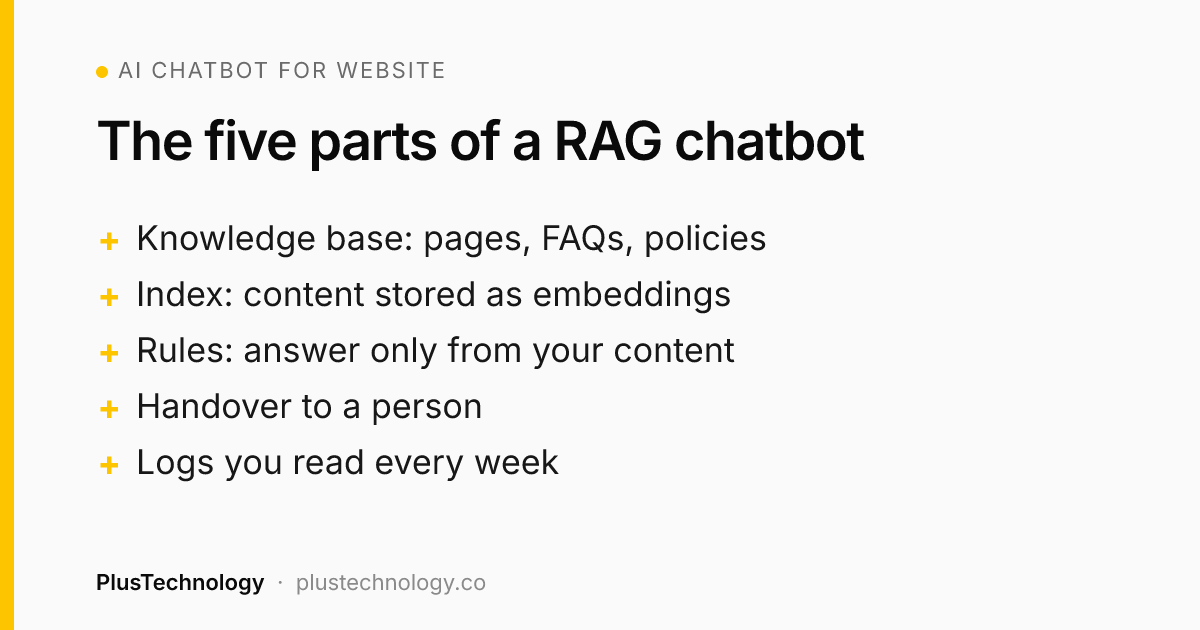
In practice a RAG chatbot has five parts:
- A knowledge base: your pages, FAQs, policies, product data and help documents, cleaned up and kept current.
- An index: the content split into passages and stored as embeddings, so "can I send it back?" finds your returns policy.
- A prompt with rules: answer only from the passages, say when you don't know, never state a price or policy that isn't in them.
- Handover: a clear path to a person, by form, email, live chat or WhatsApp, with the conversation attached.
- Logs: every question and answer saved, so you can see what visitors ask and where the bot fell short.
The quality of any AI chatbot for website support depends far more on part 1 than on the model. If your returns policy is vague on the website, the chatbot will be vague too.
Should you use a hosted chatbot tool or build a custom one?
For most small businesses, start with a hosted tool. Build custom when the bot needs your own data, your own rules or a system no tool connects to.
| Hosted chatbot tool | WordPress chatbot plugin | Custom build | |
|---|---|---|---|
| Set-up time | Hours to days | Days | 2–4 weeks for a chatbot trained on your content |
| How you pay | Monthly plan, often plus a fee per resolution | Plugin licence plus your own AI API usage | One-off build plus AI usage and hosting |
| Control over answers | Limited to the tool's settings | Moderate | Full: your rules, your data, your handover |
| Connects to your systems | Popular ones only | WordPress and WooCommerce mainly | Anything with an API |
| Best for | FAQs and support on a standard site | WordPress sites with simple needs | Lead qualification, bookings, internal data, strict rules |
A useful test: if you can write down every question the bot should answer and every answer lives on your website, a hosted tool will do. If the bot has to check stock, quote from a price list, look up a booking or follow rules that are specific to your business, it's a custom job.
How much does an AI chatbot for a website cost?
There are three costs, and quotes often hide one of them:
- Platform or build cost. Hosted tools charge monthly. Some charge per conversation the bot resolves: Intercom's pricing page lists its Fin AI agent at $0.99 per outcome, on top of seat plans. At PlusTechnology a custom chatbot is a fixed-price project, quoted after a short discovery call, and usually takes 2–4 weeks.
- AI usage. For a custom build you pay the AI provider per use. At small-business volumes that's often a few dollars to a few tens of dollars a month. It grows with traffic and with how much content each answer has to read.
- Upkeep. Someone has to update the knowledge base when prices or policies change, read the logs and fix weak answers. Budget an hour or two a month at the start; less once it settles.
Per-resolution pricing is easy to start with and hard to predict, because a busy month costs more. A custom build costs more up front, then mostly stays flat. If you expect high volume or need tight rules, run the numbers on both before you commit.
7 rules for a website chatbot that stays accurate
These are the rules we write into every chatbot brief. None of them depend on which model or tool you use:
- Answer from your content only. If the answer isn't in the retrieved passages, the bot says so and offers a person.
- Never invent numbers. No prices, dates, measurements or discounts that aren't written in your content.
- Put hard rules in code, not the prompt. Who sees order data, when to hand over, which topics are off limits: deterministic code enforces these every time.
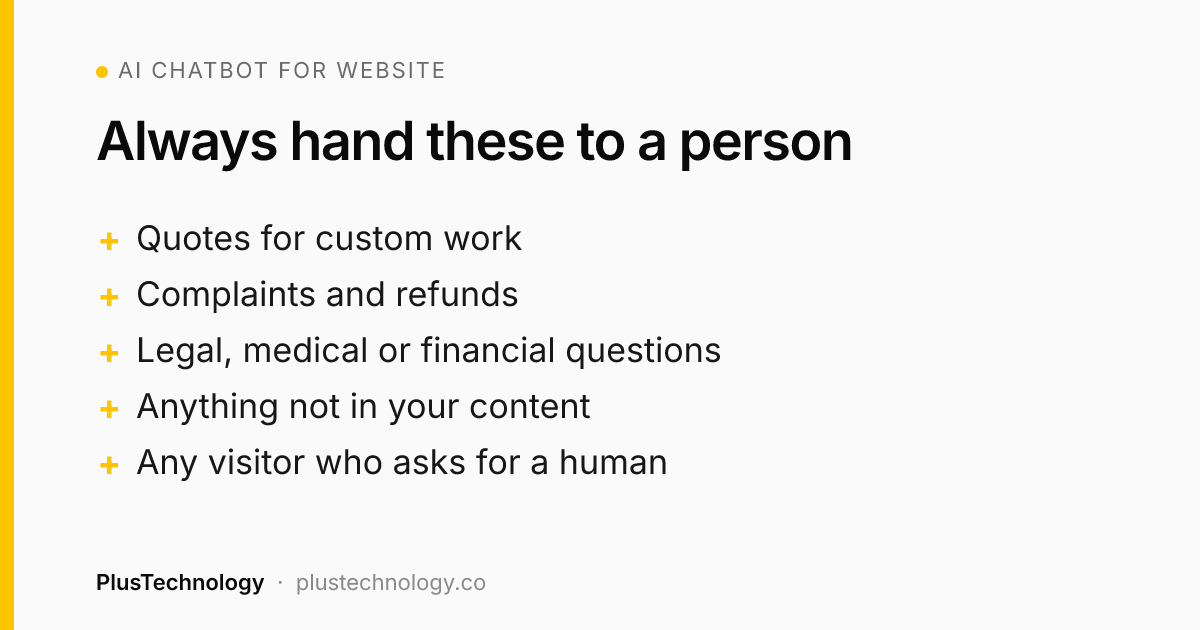
- Hand over early. Quotes, complaints, refunds and anything sensitive go to a person, with the conversation attached.
- Plan for the AI being down. Use a backup model or a fallback message with a contact form, never a frozen chat window.
- Say it's a bot. Visitors should know they're talking to AI and how to reach a human.
- Read the logs weekly. Unanswered questions show you which content is missing from your site.
Real example: what Sono AI taught us about trustworthy AI
Sono AI isn't a website chatbot. It's a web app PlusTechnology built for an ultrasound clinic that turns a doctor's short voice note into a print-ready report in about 20 seconds. But it runs on the same building blocks a good chatbot needs, and the stakes are higher, so it's a useful model:
- Retrieval from the client's own content. Each dictation is matched against the doctor's archive of past reports in a Supabase Postgres database with pgvector. The AI writes in his phrasing and terminology, not generic textbook language.
- Strict "don't invent" rules. The prompt forbids measurements, locations or findings that weren't dictated. In a medical report, a confident wrong number is worse than a missing one; on a sales site, a confident wrong price is the same problem.
- Code decides, AI writes. Early versions asked the AI to bold abnormal findings and order them, and it got this wrong often enough to matter. Now deterministic code does the formatting, including a classifier that understands "No hydronephrosis or calculus" is normal.
- A fallback chain. The clinic runs mostly on free AI tiers, which hit limits. Generation tries Gemini 2.5 Flash, then Gemini Flash-Lite, then GPT-4.1 mini, and tells the doctor when a backup model wrote the report.
Those are the same four decisions that separate a chatbot you can leave running from one you have to watch: your content, no guessing, code for the rules and a plan for failure.
How do you know if your website chatbot is working?
Don't judge it by how clever the answers sound. Track these each month:
- Questions answered without a handover, checked against a sample you've read yourself, not the tool's own score.
- Leads captured through the bot, and how many became customers.
- Wrong answers found in the logs. The target is zero on prices, policies and promises.
- Repeat questions in your inbox. If they don't drop, the bot isn't doing its main job.
- Unanswered questions, which tell you what to add to your website. That content also helps you get found in Google and in AI search; see our AI search optimization guide.
Frequently asked questions
Can an AI chatbot replace my customer support team?
No, but it can take the repeat questions off their plate. A well-built chatbot answers the questions your website already answers, such as hours, delivery and returns, and hands everything else to a person: quotes, complaints, refunds and anything sensitive.
How long does it take to add an AI chatbot to a website?
A hosted chatbot tool can be live in hours to days. A custom chatbot trained on your own content usually takes 2–4 weeks at PlusTechnology, including cleaning up the knowledge base, writing the answer rules, setting up handover and testing with real questions.
Will an AI chatbot make things up?
It can, if it answers from the model's general knowledge. The fix is retrieval-augmented generation (RAG): the bot searches your own content first and is told to answer only from it, to say when it doesn't know, and never to state a price or policy that isn't written down.
Can I add an AI chatbot to a WordPress or WooCommerce site?
Yes. You can use a hosted tool's embed code, a WordPress chatbot plugin, or a custom chatbot that reads your pages and WooCommerce product data. Anything that shows order details must verify the customer first.
How much does it cost to run an AI chatbot each month?
Hosted tools charge a monthly plan, and some add a fee per resolved conversation. A custom build mostly costs AI usage, often a few dollars to a few tens of dollars a month at small-business volumes, plus hosting and an hour or two of upkeep.
Want a chatbot that answers from your own content and hands over to your team at the right moment? See our AI automation services, or send PlusTechnology your brief on Upwork and we'll reply with a plan and a fixed quote.