
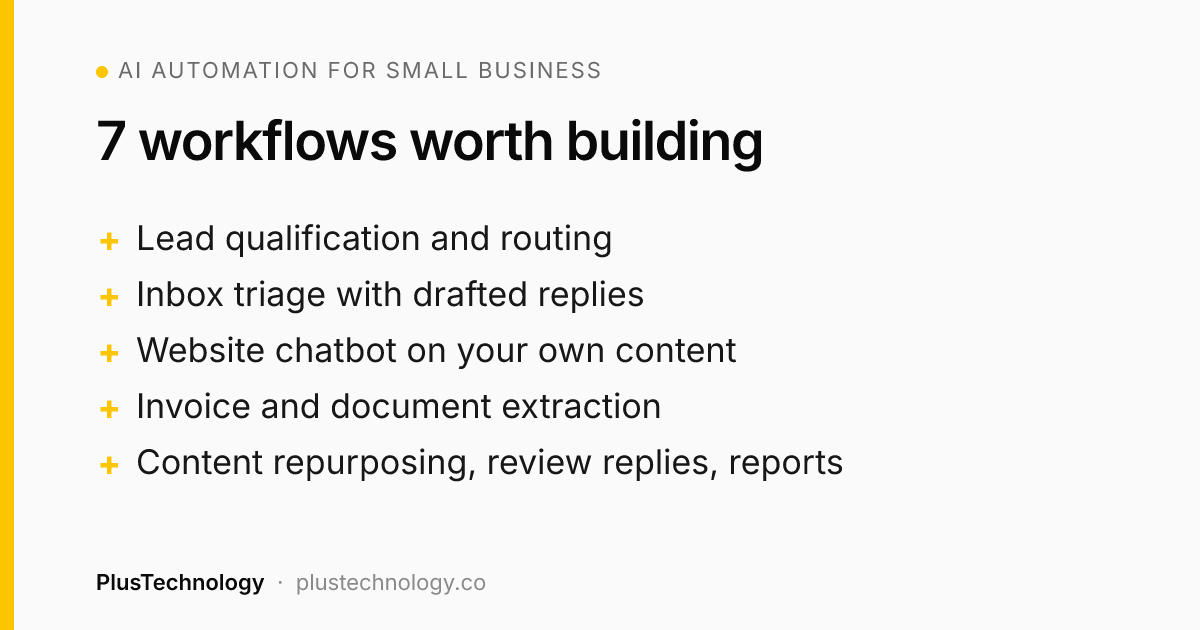
The best AI automation for small business starts with tasks that happen often, follow clear rules and involve reading or writing text. The seven that usually pay off fastest are: lead qualification, email triage, a website support chatbot, document and invoice extraction, content repurposing, review replies and weekly reporting. Build them with Zapier (easiest), Make (best value) or n8n (most flexible, self-hostable), plus the OpenAI or Claude API for the AI steps.
What is AI automation for small business?
AI automation means connecting the tools your business already uses (website forms, Gmail or Outlook, your CRM, Google Sheets, Slack) so work moves between them on its own, and using an AI model for the steps that need judgement about text: classifying, summarising, extracting or drafting.
Classic automation handles "when a form is submitted, add a row to a sheet." AI automation adds "...and read the message, decide whether it's a real sales lead, summarise what they want, and draft a personalised reply for me to approve."
How to choose what to automate first
Before building anything, list the repetitive tasks your team does each week and score each one:
- Frequency: how many times a week does it happen?
- Time: how many minutes does it take each time?
- Rules: could you explain it to a new hire in one page?
- Risk: what happens if it's wrong once?
Start with the task that has the highest frequency × time, clear rules and low risk. A task that takes 10 minutes and happens 30 times a week is five hours you get back every week.
7 workflows: AI automation for small business that pays off
1. Lead capture and qualification
Trigger: a contact form, quote request or WooCommerce enquiry.
What happens: the AI reads the message, scores the lead (budget, urgency, fit), extracts company name and service needed, creates or updates the contact in your CRM, alerts sales in Slack for hot leads, and drafts a tailored reply.
Tools: WordPress form (Gravity Forms, WPForms, Fluent Forms) → n8n or Make → OpenAI / Claude → HubSpot, Pipedrive or Google Sheets.
This is usually my first recommendation because it saves time and makes money: faster replies win more deals.
2. Inbox triage
Trigger: a new email to info@ or support@.
What happens: the AI labels each email (sales, support, billing, spam, partnership), sets priority, routes it to the right person and drafts a reply in your tone for common questions. Nothing is sent without a human click.
Tools: Gmail or Outlook → Make or n8n → AI model.
3. A website chatbot trained on your own content
Trigger: a visitor asks a question on your website.
What happens: the chatbot answers using only your pages, FAQs, policies and product data (retrieval-augmented generation, or RAG). When it can't answer, or the visitor wants a quote, it collects their details and hands over to a human.
Tools: a WordPress chat widget connected to an n8n workflow or a custom API, a vector store, and the OpenAI or Claude API.
The key is restricting it to your content. A generic chatbot that "knows everything" will eventually invent a refund policy you don't have.
4. Document and invoice data extraction
Trigger: a PDF invoice, receipt, order form or application arrives by email or upload.
What happens: the AI extracts the fields you care about (supplier, date, amounts, line items) into structured data, checks totals, and adds them to your accounting software or a spreadsheet. Anything that doesn't add up is flagged for review.
Tools: email or Google Drive → n8n / Make → AI model with vision → Xero, QuickBooks or Sheets.
5. Content repurposing
Trigger: you publish a new blog post or record a video.
What happens: the AI drafts a LinkedIn post, a newsletter section, three short social posts and suggested FAQ answers, then saves them as drafts for you to edit.
Tools: WordPress RSS or webhook → Make / Zapier → AI model → Notion, Google Docs or a social scheduler.
6. Review monitoring and replies
Trigger: a new Google, Trustpilot or WooCommerce product review.
What happens: the AI detects sentiment, drafts a reply that references what the customer actually said, and alerts you straight away about negative reviews so you can respond personally.
Tools: review platform API → n8n / Zapier → AI model → Slack or email.
7. Weekly business reports in plain English
Trigger: every Monday at 8am.
What happens: the workflow pulls numbers from Google Analytics 4, WooCommerce, your CRM and ad accounts, and the AI writes a short summary: what went up, what went down, and what to look at this week.
Tools: scheduled n8n / Make workflow → APIs → AI model → email or Slack.
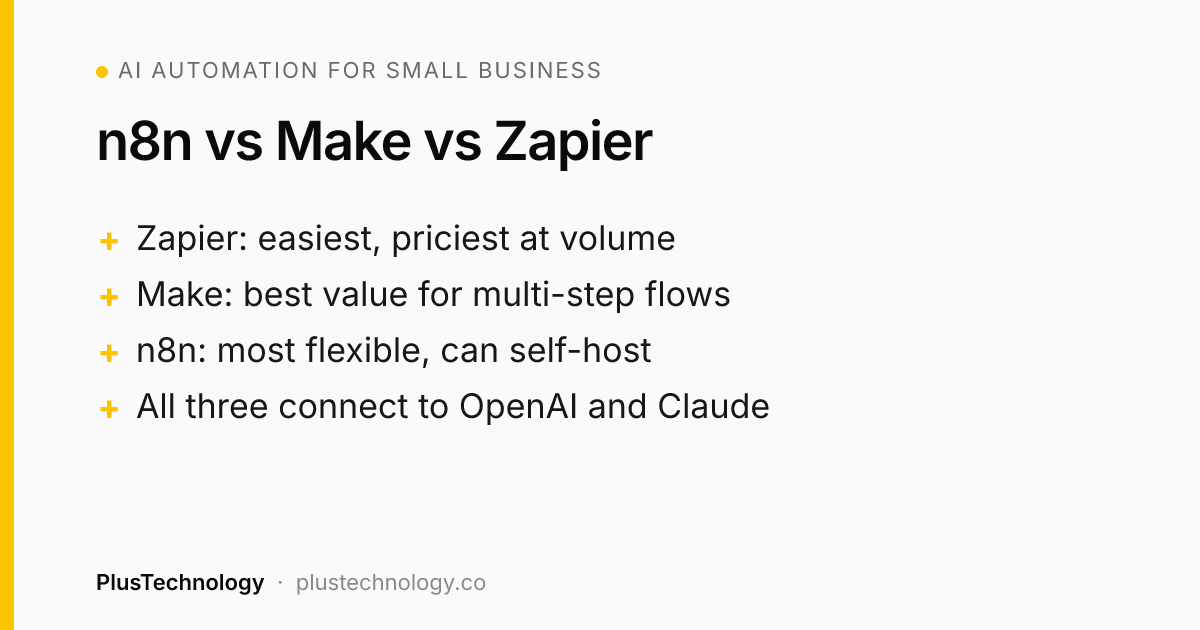
n8n vs Make vs Zapier: which should you use?
| Zapier | Make | n8n | |
|---|---|---|---|
| Ease of use | Easiest | Visual, moderate | Most technical |
| Pricing model | Per task | Per operation / credit | Per execution (cloud) or free to self-host |
| Cost at high volume | Highest | Medium | Lowest |
| Complex logic & code | Limited | Good | Excellent (JavaScript / Python nodes) |
| Self-hosting / data control | No | No | Yes |
| AI features | Built-in AI steps | AI modules | AI agent and LangChain nodes |
| Best for | Simple 2–3 step automations | Multi-step business workflows | High volume, custom logic, sensitive data |
My rule of thumb: start on Zapier if you'll maintain it yourself and volume is low. Choose Make for most business workflows. Choose n8n when you run thousands of executions a month, need custom code, or want your data on your own server.
What does AI automation for small business cost to run?
For a typical small business, running costs are lower than most people expect:
- Automation platform: free tiers to roughly $20–$100 per month for most small businesses. A self-hosted n8n server can cost about the same as basic hosting.
- AI API usage: often a few dollars to a few tens of dollars a month at small-business volumes, because each email or lead uses only a small amount of text.
- Build cost: a custom workflow typically takes a freelancer one to three weeks, depending on how many tools it connects and how much testing it needs.
Compare that with the hours saved. If an automation saves five hours a week, it usually pays for itself within the first month or two.
Guardrails: where AI automation goes wrong
- No human in the loop. Let the AI draft; let a person approve anything a customer will see, at least until you trust it.
- Sending too much data. Pass only the fields the AI step needs. Use business API accounts and check the provider's data-retention terms.
- Silent failures. Add error alerts. An automation that quietly stops working is worse than none.
- No logging. Keep a record of inputs and outputs so you can see why the AI made a decision.
- Automating a broken process. Fix the process first, then automate it.
Frequently asked questions
What is AI automation for a small business?
AI automation connects the tools a business already uses, such as its website forms, inbox, CRM and spreadsheets, and uses an AI model for steps that involve reading or writing text, like classifying an email, summarising a lead or drafting a reply. The automation runs on its own whenever a trigger happens.
Which is better for automation: n8n, Make or Zapier?
Zapier is the easiest to start with but becomes expensive at high volume. Make is visual and more affordable for multi-step workflows. n8n is the most flexible and can be self-hosted, which makes it the cheapest at scale and best for sensitive data, but it needs more technical setup.
How much does AI automation cost for a small business?
Running costs are usually modest: automation platform plans from free to around $20–$100 per month, plus AI API usage that is often a few dollars to a few tens of dollars per month at small-business volumes. Building a custom workflow with a freelancer typically takes one to three weeks.
Is it safe to send customer data to AI models?
It can be, with care. Use business API accounts rather than consumer chat apps, send only the fields the AI step needs, check the provider's data-retention terms, and keep a human review step for anything sent to customers.
At PlusTechnology we build AI automations for small businesses with n8n, Make, Zapier and the OpenAI and Claude APIs, often connected to WordPress or WooCommerce sites. If one of these workflows would help your team, message us on Upwork.