

WooCommerce speed optimization case study. Problem: a live Dutch WooCommerce store failed Core Web Vitals, and its homepage took 10.6 s to show its main content. What we did: traced each delay to a specific cause (cookie banner script order, lazy-loaded hero images, render-blocking jQuery, broken review-flag requests, duplicate fonts) and fixed them one reversible step at a time on staging first. Result: homepage LCP 2.1–3.8 s, mobile PageSpeed ~59 → ~80, product photo data cut by up to 80%, review snippet errors fixed, and zero orders broken. Stack: WordPress, WooCommerce, Elementor, Astra, LiteSpeed Cache, QUIC.cloud.
- Client
- NAZROM (nazrom.nl)
- Industry
- E-commerce webshop
- Location
- Netherlands
- Stack
- WordPress, WooCommerce, Elementor, Astra, LiteSpeed Cache, QUIC.cloud
- Timeline
- October 2026
- Delivered by
- PlusTechnology
At a glance
| Metric | Before | After |
|---|---|---|
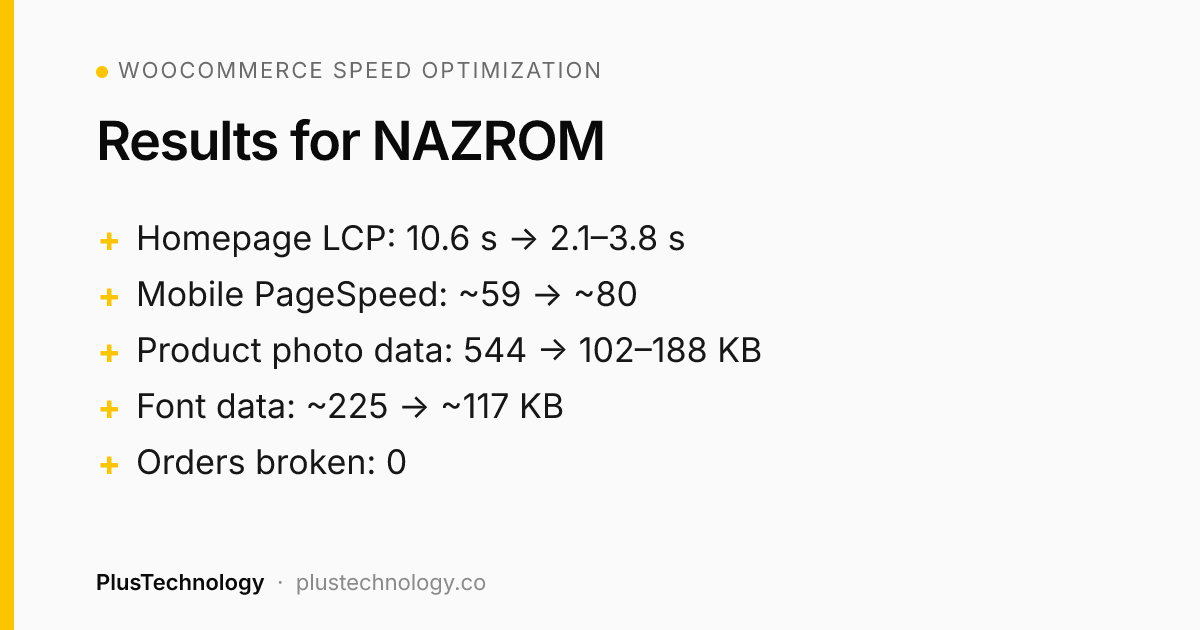
| Homepage PageSpeed score (mobile) | ~59 | ~80 |
| Homepage LCP (mobile) | 10.6 s | 2.1–3.8 s |
| Product page main photo (LCP, slow 4G) | 6.6–11.3 s | 1.7–3.3 s |
| Product page layout shift (CLS) | 0.23–0.60 | 0.04–0.09 |
| Photo data while a product page loads | 544 KB | 102–188 KB |
| Font data per page | ~225 KB | ~117 KB |
| Server time, uncached product page | 3.2 s | 2.2 s |
| Render-blocking scripts on homepage | jQuery + 3 others | None |
| Search Console review snippet errors | Errors reported | Fixed and validated by Google |
29 tasks logged, 26 completed, and no orders or customer flows broken on the live store.
The challenge
NAZROM's shop had been optimised before, but since then it had a new homepage hero, a redesigned header, a major WooCommerce update and new custom scripts. Little by little, the site had become slow again. Google Search Console showed the result:
- Product pages failed Core Web Vitals. Real visitors waited 2.7 s for the main content, above Google's 2.5 s limit.
- Review snippet errors put the star ratings in Google results at risk.
- Mobile pages jumped while loading, and the homepage took more than 10 seconds to show its main element.
The store was live and taking orders every day, so every change had to be safe, measurable and reversible.
Our approach
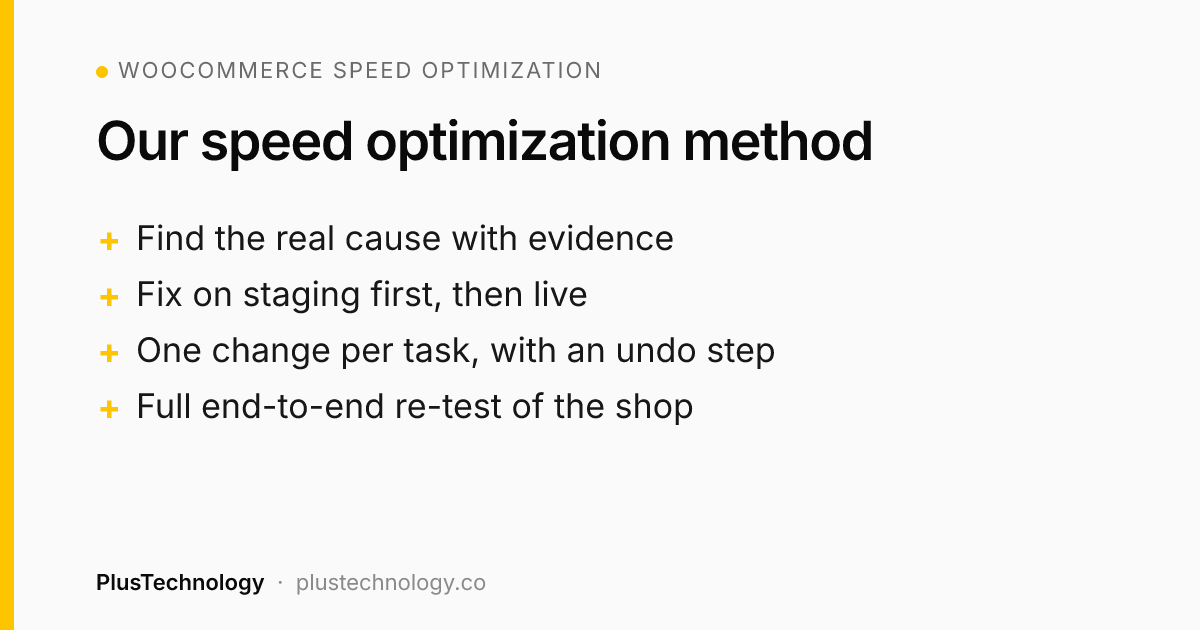
- Find the real cause first. Every task started from evidence: a Search Console report, a PageSpeed trace, server timing or a console error. No changing settings "to see what happens".
- Staging first, then live. Every change was tested on a staging copy, then applied to live and tested again on mobile and desktop.
- One change per task, each with an undo step. A shared task sheet recorded the problem, the change, the measured result and exactly how to undo it. Original code was backed up before any edit.
- Re-test the whole shop after big changes: home, collections, search, product pages and variations, cart and checkout with all six payment methods, account pages and analytics events.
What we found and fixed
The cookie banner was the slowest thing on the page
Google measured the cookie consent banner as the homepage's main element (LCP 10.6 s), because its script was queued behind about 90 others. We moved it to load early, so it appears about 6 seconds sooner with consent still recorded correctly. With the client's approval we also shortened the banner text, which had been the largest element on a phone screen. Homepage LCP went from 10.6 s to 2.1–3.8 s.
Hero images were held back
The homepage hero waited for a lazy-load script, and an old snippet preloaded a hero image that was no longer on the page. We removed lazy loading from visible hero images and pointed the preload at the real image.
Scripts blocked the first paint
jQuery and three other scripts blocked mobile pages for about 2 seconds. We deferred and combined them, removing all render-blocking scripts. When this broke a small gallery script on products with options, our automated check of all 153 product pages caught it, and it was fixed the same day.
Product pages: late photo and jumping layout
The main product photo stayed invisible until the gallery script loaded, and the page shifted as the gallery, review stars and fonts arrived. We made the first photo show immediately, reserved space for late elements and limited the initial download to visible photos. Main photo time dropped from 6.6–11.3 s to 1.7–3.3 s, and layout shift fell below Google's 0.1 limit on all tested products.
A hidden server delay: review flags
Server profiling showed the database was fine (0.04 s). The delay came from imported reviews that stored a city instead of a country code, so the site tried to fetch flag images that didn't exist, costing about 1 second each. A small, reversible filter now skips the invalid flags. Uncached product pages went from 3.2 s to 2.2 s on live.
Fonts: duplicates, icons and a forgotten external font
The same web font loaded twice, a 77 KB icon font served a handful of icons, and an unused external font still blocked every page. Removing all three cut font data from ~225 KB to ~117 KB per page.
Stability and Search Console fixes
- Removed raw code that logged-in users saw at the bottom of every page.
- Stopped header review stars from pushing the page down (shift 0.018 → 0).
- Made the cart page load directly in its final layout.
- Fixed a WooCommerce script error and an accordion script that ran too early.
- Fixed review snippet structured data; Google's validation passed.
What we deliberately did not change
- Cookie banner country detection: turning it off would have disabled consent records needed for GDPR.
- Different theme CSS inlining: about 12 KB of gain with a real risk of layout jumps. Checked, documented, left alone.
- Merging all JavaScript into one file: on staging it broke 29 inline shop scripts, so it was never applied to live.
Results
- Homepage: PageSpeed mobile ~59 → ~80; LCP 10.6 s → 2.1–3.8 s.
- Product pages: main photo 6.6–11.3 s → 1.7–3.3 s; layout shift within Google's "good" range; mobile PageSpeed from 18–44 to a typical ~70.
- Server: about 1 second saved on every uncached product page.
- Lighter pages: ~108 KB less font data, no render-blocking scripts or external fonts.
- Google: review snippet errors resolved and validated; the Core Web Vitals fix is being validated over Google's 28-day data window.
- No regressions: the final end-to-end test of the live store passed, including checkout with every payment method, with no JavaScript errors.
Takeaways
- Speed is maintenance, not a one-off job. New designs, plugin updates and custom code slowly undo earlier work.
- The biggest wins came from specific causes (a cookie banner, a lazy-loaded hero, broken review flags) that a generic speed plugin can't find.
- Careful process makes speed work safe on a live store: staging first, one change at a time, a written undo for every step and full re-testing.
Tools: Google PageSpeed Insights, Lighthouse, Chrome DevTools, Google Search Console, LiteSpeed Cache, QUIC.cloud, server-side timing and automated browser testing.
WooCommerce speed optimization FAQ
What does WooCommerce speed optimization involve?
WooCommerce speed optimization means finding the specific causes of slow pages, such as late-loading scripts, oversized images, render-blocking code and slow server requests, and fixing them safely. For NAZROM it cut homepage LCP from 10.6 s to 2.1–3.8 s.
How do you speed up a slow WooCommerce store?
Start from evidence, not plugin settings. On NAZROM we used Search Console, PageSpeed traces and server timing to find specific causes: a late-loading cookie banner, lazy-loaded hero images, render-blocking scripts, failed image requests on the server and duplicate fonts. Fixing those took homepage LCP from 10.6 s to 2.1–3.8 s.
Can speed optimisation break a live WooCommerce store?
It can, which is why every change was tested on staging first, applied one at a time with a written undo step, and followed by full end-to-end tests of product pages, cart, checkout with all payment methods and account pages. No orders or customer flows broke.
What is a good LCP for a WooCommerce product page?
Google's threshold for a good Largest Contentful Paint is 2.5 seconds or less for real visitors. NAZROM's product pages went from 6.6–11.3 s to 1.7–3.3 s on slow 4G tests.
How long does a WooCommerce speed project take?
This project ran through October 2026, with 29 logged tasks. Smaller stores often need 2–5 days of focused work.
Related reading
Want something similar for your business? Hire PlusTechnology on Upwork or get in touch.