
WooCommerce GA4 tracking case study. Problem: NAZROM, a Dutch WooCommerce store, had a GA4 setup that collected no usable data, strict EU consent rules, a custom AJAX side cart and several payment providers. What we did: built the full GA4 ecommerce funnel, search and product list events in Google Tag Manager with variation-level IDs matching the Merchant Center feed, Consent Mode v2 through Complianz, and purchases that fire only for paid orders with duplicate prevention. Result: a real order verified end to end in GA4, consent verified for every choice, and a 13-section handover document. Stack: WooCommerce, Elementor, Google Tag Manager, GA4, Complianz, Mollie.
- Client
- NAZROM (nazrom.nl)
- Industry
- E-commerce webshop (kitchen protection products)
- Location
- Netherlands
- Services
- WooCommerce development, analytics and tracking
- Stack
- WooCommerce, Elementor, Google Tag Manager, GA4, Complianz (Consent Mode v2), Mollie, XootiX side cart
- Delivered by
- PlusTechnology
The challenge
The store owner had no reliable view of how customers moved through the shop. An earlier GA4 setup collected no usable data, the store sits under strict EU consent rules, and the site uses a custom side cart, custom upsell blocks and several external payment providers. Each of those can silently break ecommerce tracking.
The brief was precise:
- Every ecommerce event fires once, at the right customer action.
- Product IDs match the Google Merchant Center feed exactly, down to the variation.
- Purchases count only after payment is confirmed.
- No data is sent before the visitor consents.
What we built: WooCommerce GA4 tracking, event by event
| Area | What it tracks |
|---|---|
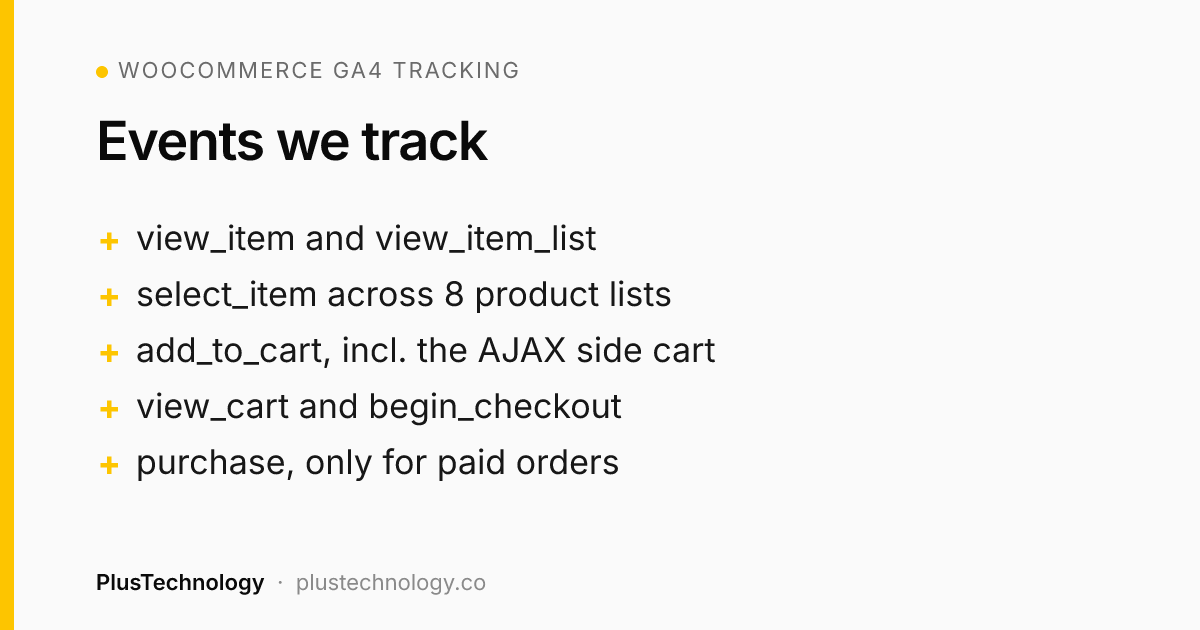
| Core funnel | view_item, add_to_cart, view_cart, begin_checkout and purchase, with variation-level item_id and item_variant, quantities, discounted prices and EUR currency |
| Internal search | view_search_results with the search term |
| Product lists | view_item_list and select_item across eight list contexts: collection pages, search results, the homepage grid, two homepage carousels, the bundle widget, cart upsells and side cart upsells |
| Consent | Google Consent Mode v2 through Complianz: all four consent states denied by default, granular choices (for example analytics only) and updates applied on the same page without a reload |
| Purchase reliability | purchase fires only for paid orders, with transaction-based duplicate prevention so a thank-you page refresh can't count twice |
| Data hygiene | URL parameter redaction, an internal-traffic filter and staging kept separate from production |
The event names and parameters follow Google's GA4 ecommerce specification, and consent follows Google's Consent Mode guide. At the end, the client received a 13-section handover document covering every event, parameter, trigger, known limitation and ongoing cost.
Problems that needed real diagnosis
Zero data in a correct-looking setup
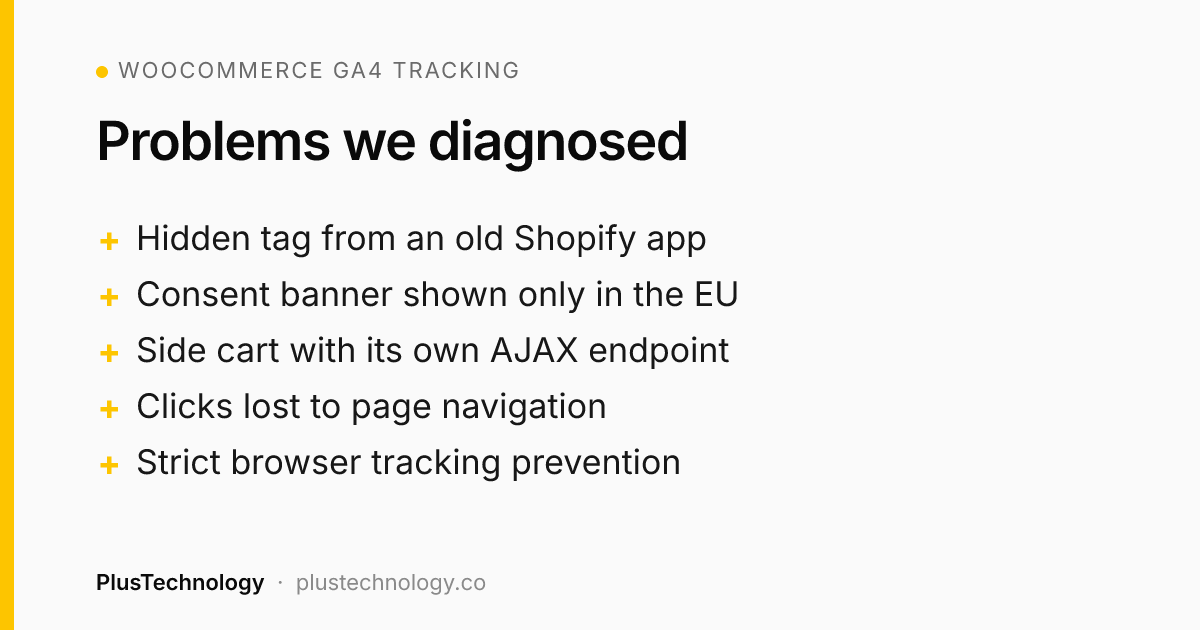
The original GA4 property had a hidden, orphaned Google tag left behind by a previous Shopify channel app. It lived at the data stream level, outside Tag Manager, so cleaning up the container changed nothing. We found it in the stream's tag settings and moved to a clean property.
A consent banner that "didn't exist"
The banner was restricted to EU visitors by geo-IP, so it never appeared in testing from outside the EU and looked like a critical failure. Testing through a Netherlands VPN showed it working, and testing from inside the EU became a standing rule.
Add to cart through a custom AJAX side cart
The side cart used its own endpoint and form data, and one upsell reloaded the page. We intercepted the request in the browser, added a server-side endpoint that returns the product data, and used a session fallback for the reload case, so add_to_cart fires with the right product every time.
Clicks lost to a navigation race
Product clicks on carousels were lost because the page navigated before Tag Manager processed the event. A longer delay only fixed it by luck. We replaced it with Tag Manager's own event callback plus an independent timeout, so tracking never blocks the visitor from moving on.
A real purchase that "didn't track"
The first live order didn't appear in GA4. The cause wasn't the code: the customer's Edge browser had Tracking Prevention set to Strict, which blocks Google's scripts. We confirmed it with the customer and documented it as a known limit that no change on the site can remove.
Several payment providers
We tested the return flow for each payment provider and documented which order status is used for each method, including a buy-now-pay-later provider whose domain only behaves correctly on the live site.
Results
- Live on production, with a real order verified end to end: the
transaction_idand revenue in GA4 matched the WooCommerce order. - Consent behaviour verified for reject, analytics only and accept all.
- Tested on desktop Chrome, Firefox and iPhone Safari.
- A full handover: documentation, access and a written list of limitations.
This was our second project for NAZROM, after the WooCommerce speed optimization that took their homepage load time from 10.6 s to under 4 s.
What we'd do differently
- Check the outgoing GA4 request, not only the data layer and Tag Manager preview. A tag can show as fired while a parameter is wrong, so we now inspect the actual
collectrequest for item data on every event. - Define each list name in one place per block, so view and click events can't drift apart.
- Test as a logged-out visitor in a private window as well as in preview mode.
Tech stack
| Area | Technology |
|---|---|
| Store | WordPress, WooCommerce, Elementor, XootiX side cart |
| Tracking | Google Tag Manager, GA4, custom data layer and a server-side product data endpoint |
| Consent | Complianz with Google Consent Mode v2 |
| Payments | Mollie and other providers, each tested end to end |
WooCommerce GA4 tracking FAQ
How do you set up WooCommerce GA4 tracking properly?
Send each GA4 ecommerce event once, at the right customer action, from a clean data layer through Google Tag Manager. On NAZROM that meant view_item, add_to_cart, view_cart, begin_checkout and purchase with variation-level product IDs matching the Merchant Center feed, plus search and product list events.
Why does GA4 show no data even though the tags look right?
Often because of something outside Tag Manager. On this store a hidden Google tag left by an old Shopify channel app sat at the GA4 data stream level, so cleaning the container changed nothing. Moving to a clean property fixed it.
How do you stop GA4 counting a purchase twice?
Fire purchase only for orders whose payment is confirmed, and use the transaction ID to prevent duplicates, so refreshing the thank-you page can't send a second purchase.
Does Consent Mode v2 work with WooCommerce?
Yes. Here it runs through Complianz with all four consent states denied by default, granular choices such as analytics only, and consent updates applied on the same page without a reload. Remember the banner may only show to EU visitors, so test from inside the EU.
Related reading
Want something similar for your business? Hire PlusTechnology on Upwork or get in touch.