
Why does Upwork suspend accounts? Most often for taking communication or payment off Upwork, failed or careless identity verification, suspicious logins, VPNs or shared networks, multiple accounts, copied or misrepresented profiles and unprofessional conduct. Nearly all of these are preventable by reading the terms, keeping everything on the platform until a contract starts, and using consistent, personal devices and connections.
Account suspension on Upwork is a freelancer’s worst nightmare. One day you’re landing clients and growing your income; the next you’re locked out completely. The painful part is that most suspensions are preventable.
So why does Upwork suspend accounts so often? Over 10+ years as a Top Rated Plus WordPress developer on Upwork, and after training many new freelancers, our founder has seen the same patterns again and again. Most freelancers who get suspended never read the platform’s rules before they start.
Understanding why Upwork suspends accounts
Upwork takes platform integrity seriously. Automated systems and manual review teams monitor for suspicious activity, policy violations and fraud. In many cases Upwork does not warn you before a suspension: one serious violation can lead to immediate termination, sometimes without a successful appeal.
Why does Upwork suspend accounts? The 7 most common reasons
1. Ignoring the Terms of Service and community guidelines
This is where most problems start. Many freelancers create accounts without reading Upwork’s policies, which leads to unintentional violations. Before you start, read the Upwork Terms of Service and User Agreement, the community guidelines, payment protection terms and the communication and circumvention policy. Bookmark them and review them every few months, because Upwork updates its policies regularly.
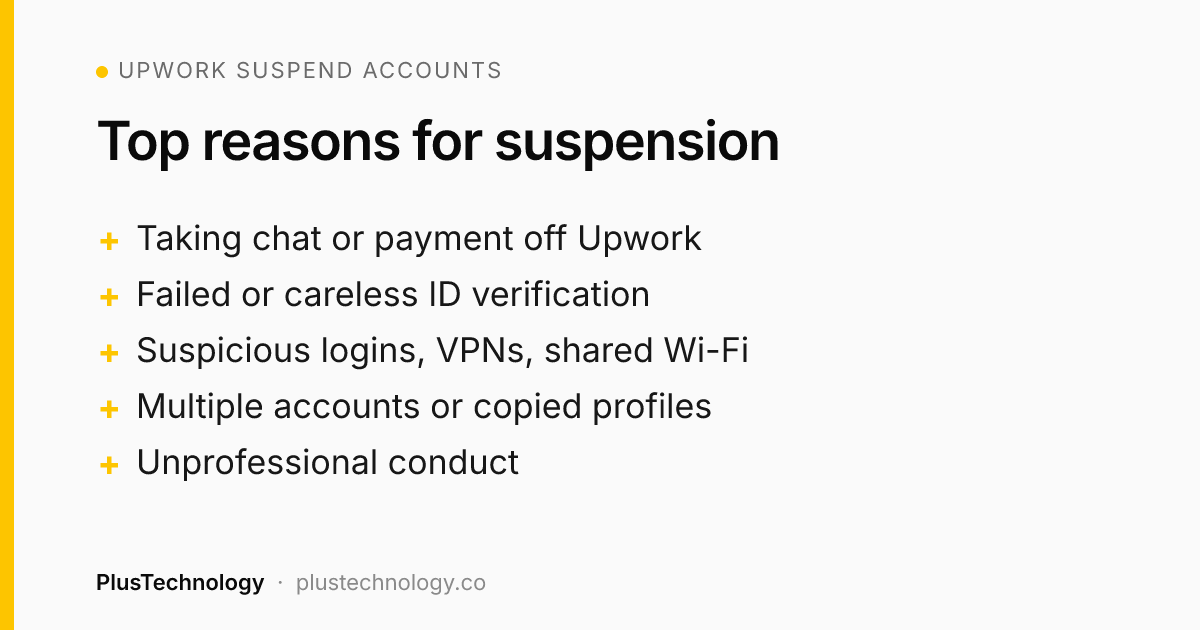
2. Failing identity verification
Identity verification is your first critical interaction with Upwork’s trust and safety team. Treating it casually leads to failures or suspicious-activity flags. Common mistakes:
- Poor lighting that hides your face, or blurry ID photos
- Damaged or expired identification documents
- Rushing through steps without reading instructions
- Repeating verification several times because you weren’t prepared
Do it properly: use a clean, well-lit room with a neutral background, have a valid government ID ready, test your camera, follow each instruction carefully, and complete verification in one session.
3. Suspicious logins and device security
Upwork’s security checks look for account sharing and compromise. Red flags include logging in from many random devices, using public or shared computers, logging in from friends’ devices, and inconsistent locations. Use one or two personal devices, avoid public computers, keep your locations consistent, enable two-factor authentication and tell Upwork support before travelling abroad.
4. Communication policy violations: the #1 reason for suspension
Upwork requires work-related communication to stay on the platform, especially before a contract begins. These violations commonly lead to suspension:
- Sharing email addresses, phone numbers or WhatsApp in proposals or early messages
- Asking clients to move to Skype, Telegram or other apps before a contract
- Requesting direct payment by PayPal, bank transfer or crypto
- Trying to take work off Upwork to avoid fees
The safe approach: keep all communication in Upwork messages until a contract is active, use Upwork’s built-in calls, and invoice everything through Upwork. Once a contract is active you may exchange contact details when the project genuinely needs it, but payments must still go through Upwork.
5. Network and IP address issues
Does Upwork suspend accounts for network issues? It can. Constantly switching connections, regularly using public Wi-Fi, sharing a connection with other Upwork freelancers or masking your location with a VPN can all trigger fraud checks. Work from a stable, personal connection, avoid VPNs unless there’s a legitimate reason, and make sure no one else uses your network for their own Upwork account.
6. Multiple accounts and profile violations
Does Upwork suspend accounts for having more than one profile? Yes. Each person may have only one Upwork account. Creating several accounts for different niches, sharing an account, taking over someone else’s account or opening a new one after a suspension all lead to suspension. Profile violations include copied descriptions, fake or purchased portfolio samples, and misrepresented qualifications or experience.
7. Unprofessional conduct
Does Upwork suspend accounts for behaviour, not just technical issues? Yes. Aggressive or inappropriate messages, plagiarised work, manipulating reviews, spam-like mass proposals, threatening clients or discriminatory behaviour can all get an account suspended.
Warning signs your account is at risk
- Your Job Success Score drops without a clear reason
- Payment releases are delayed or need extra review
- Upwork Trust & Safety asks for information or documents
- Your visibility in search or proposals suddenly drops
- Features are locked or restricted
If you see any of these, review your recent activity for policy issues and contact Upwork support proactively.
What happens when Upwork suspends your account?
A suspension usually means immediate loss of access to your account and messages, frozen funds until the review ends, no way to contact clients, and lost reviews and status. Appeals can take weeks and are not always successful, so prevention matters far more than recovery.
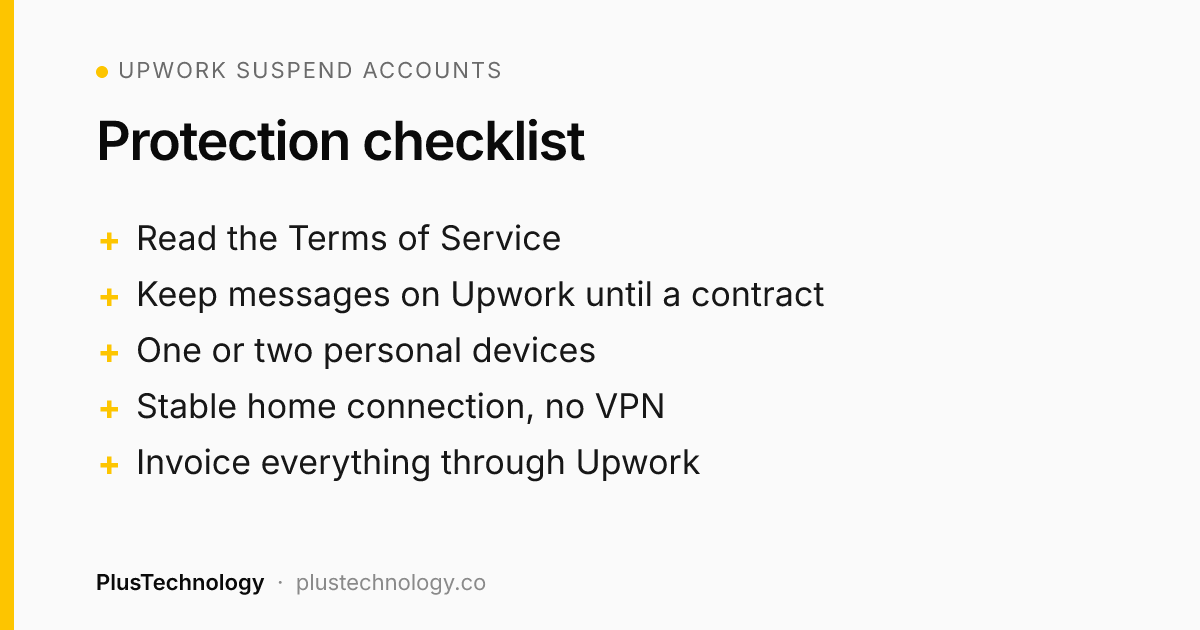
How to avoid having Upwork suspend your account: a checklist
Before you create your account
- Read the policies and terms
- Prepare valid ID
- Set up a secure, personal internet connection
During setup and verification
- Use your real name and accurate details
- Complete verification carefully
- Upload genuine portfolio samples and write original profile content
Every day on Upwork
- Keep communication on Upwork until a contract is active
- Use consistent devices and networks
- Send tailored, professional proposals
- Invoice all work through Upwork
Ongoing
- Review policy updates
- Monitor your account health and Job Success Score
- Respond quickly to any message from Upwork
What to do if your account gets suspended
- Stay calm and don’t create a new account. That makes things worse.
- Read the suspension email carefully for the specific reason.
- Gather evidence: relevant conversations, identity documents and a timeline of events.
- Submit a professional appeal: acknowledge any mistakes honestly, explain clearly, provide documents and describe how you’ll prevent it happening again.
- Be patient but persistent: follow up politely if you hear nothing after a couple of weeks.
Alternatives if you need them
Fiverr, Freelancer.com, Toptal, PeoplePerHour, Guru, LinkedIn outreach and your own website are all options. None fully replaces Upwork’s mix of payment protection and client quality, which is why protecting your account is so important.
Final thoughts
Your Upwork account is your business, your reputation and your income. The few hours it takes to read the policies, secure your logins and learn the communication rules can save you months or years of work. Prevention is everything.
Upwork suspend accounts: frequently asked questions
Why does Upwork suspend accounts without warning?
Serious violations such as taking payments off the platform, multiple accounts or failed identity checks can trigger an immediate suspension, often without a prior warning.
Can I create a new Upwork account after a suspension?
No. Creating another account after a suspension violates Upwork’s policies and usually leads to the new account being suspended too.
How long does an Upwork suspension appeal take?
It varies, but initial responses commonly take a few weeks and full resolution can take longer. Follow up politely if you hear nothing.
Does Upwork suspend accounts for using a VPN?
It can. VPNs and proxies hide your real location, which can trigger Upwork’s fraud checks. Work from a stable, personal connection unless you have a legitimate reason to use a VPN.
Does Upwork suspend accounts for sharing contact details?
Sharing emails, phone numbers or other apps before a contract starts is one of the most common reasons for suspension. Keep communication on Upwork until a contract is active.
When can I share contact details with an Upwork client?
Only once a contract is active and the project genuinely needs it. Payments must still go through Upwork.
PlusTechnology is a web development and AI automation studio founded by Rehan Ullah, a Top Rated Plus freelancer on Upwork. If your business needs a website, store or automation, hire us on Upwork or see our services.