
To hire a WordPress developer on Upwork, write a specific job post, then shortlist freelancers with a Job Success Score of 90%+, recent WordPress-specific reviews and live portfolio sites you can test for speed. Ask how they would approach your project, start with a small paid milestone, and use fixed-price for defined builds or hourly for ongoing work. Experienced WordPress developers on Upwork typically charge $25–$75 per hour.
I've worked as a WordPress developer on freelance platforms since 2016 and have completed more than 400 projects. I've also seen plenty of clients arrive after a bad hire: half-finished sites, slow page builders stacked on top of each other, or a developer who disappeared with the admin password. This checklist is what I'd tell a friend who's hiring on Upwork for the first time.
Which kind of WordPress developer do you need?
"WordPress developer" covers very different skill sets. Hiring the wrong type is the most common mistake I see.
| Type | Best for | Look for |
|---|---|---|
| Page-builder designer | Brochure sites, landing pages | Elementor, Divi or Gutenberg portfolio, good design taste |
| Theme / plugin developer | Custom features, integrations, performance | PHP, JavaScript, custom post types, REST API, ACF |
| WooCommerce specialist | Online stores, subscriptions, checkout | Live stores, payment gateways, product variations |
| Maintenance / speed expert | Fixing slow, broken or hacked sites | Before/after PageSpeed results, security clean-ups |
Many senior freelancers cover several of these. Still, decide which one matters most for your project and screen for it.
Step 1: Write a job post that attracts the right people
Vague job posts attract copy-paste proposals. Specific ones attract specialists. Include:
- The goal: "We need more quote requests from our website," not just "build a website."
- Scope: number of pages, key features (booking, store, forms, multilingual), and whether you have a design.
- Current setup: your existing site URL, hosting provider and any plugins you must keep.
- Examples: two or three websites you like, and why.
- Timeline and budget range: honest numbers save everyone time.
- A screening question: for example, "How would you make this site load in under 2 seconds?"
Add one small instruction, such as "start your proposal with the word blue." It quickly filters out freelancers who don't read job posts.
Step 2: How to read an Upwork profile
Upwork gives you useful signals, but you need to read them together:
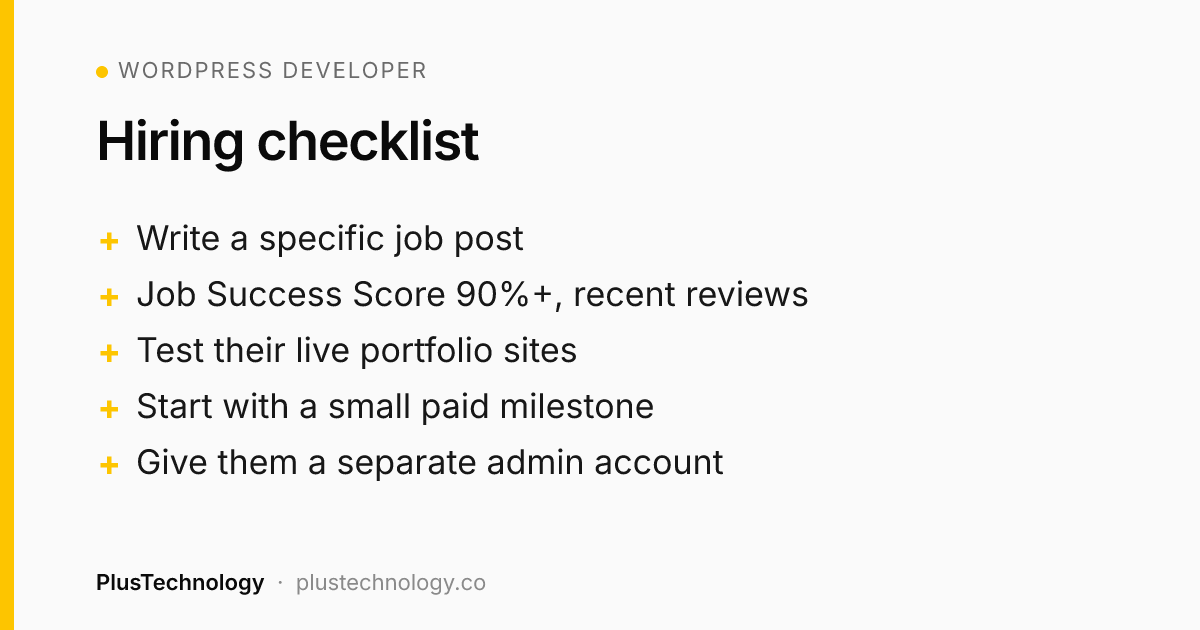
- Job Success Score (JSS): 90% or higher is a strong sign. It reflects client feedback and long-term relationships, not just star ratings.
- Badges: Top Rated, Top Rated Plus and Expert-Vetted mean a consistent track record. Rising Talent can be great value for smaller tasks.
- Recent, relevant reviews: look for reviews from the last 12 months that mention WordPress, WooCommerce or the specific thing you need.
- Repeat clients: clients who hire the same freelancer again are the best signal there is.
- Portfolio you can test: open their live sites, click around on your phone, and run them through PageSpeed Insights. Pretty screenshots aren't enough.
Step 3: 8 questions to ask before you hire
- How would you approach this project, step by step?
- Will you use a page builder, a block theme or a custom theme, and why?
- Which plugins would you install, and how do you keep the plugin count low?
- How will you make the site fast on mobile?
- Will you build on a staging site before going live?
- How will I be able to edit content myself after launch?
- What's included after launch, and what does support cost?
- Can you show me a similar project you built?
Good developers answer with specifics and ask you questions back. If the answers sound like a template, they probably are.
Step 4: Red flags to avoid
- Asking to move off Upwork before a contract exists. It breaks Upwork's terms and removes your payment protection.
- A quote much lower than everyone else's with no explanation of scope.
- Nulled (pirated) premium themes or plugins. They often contain malware. Ask for licensed copies.
- No staging site: editing your live site directly risks downtime.
- Wanting your hosting or email password instead of a separate user account.
- Promising "#1 on Google in 30 days." Nobody can promise that.
Step 5: Fixed-price vs hourly on Upwork
| Fixed-price | Hourly | |
|---|---|---|
| Best for | Clearly defined builds | Maintenance, fixes, evolving scope |
| How you pay | Funded milestones released when approved | Weekly billing for tracked hours |
| Your risk | Scope disagreements | Hours running over |
| Tip | Split into 3–4 milestones (design, build, launch) | Set a weekly hour limit |
For a new website I usually suggest fixed-price milestones. For ongoing improvements, an hourly contract with a weekly cap is simpler for both sides.
How much does a WordPress developer on Upwork cost?
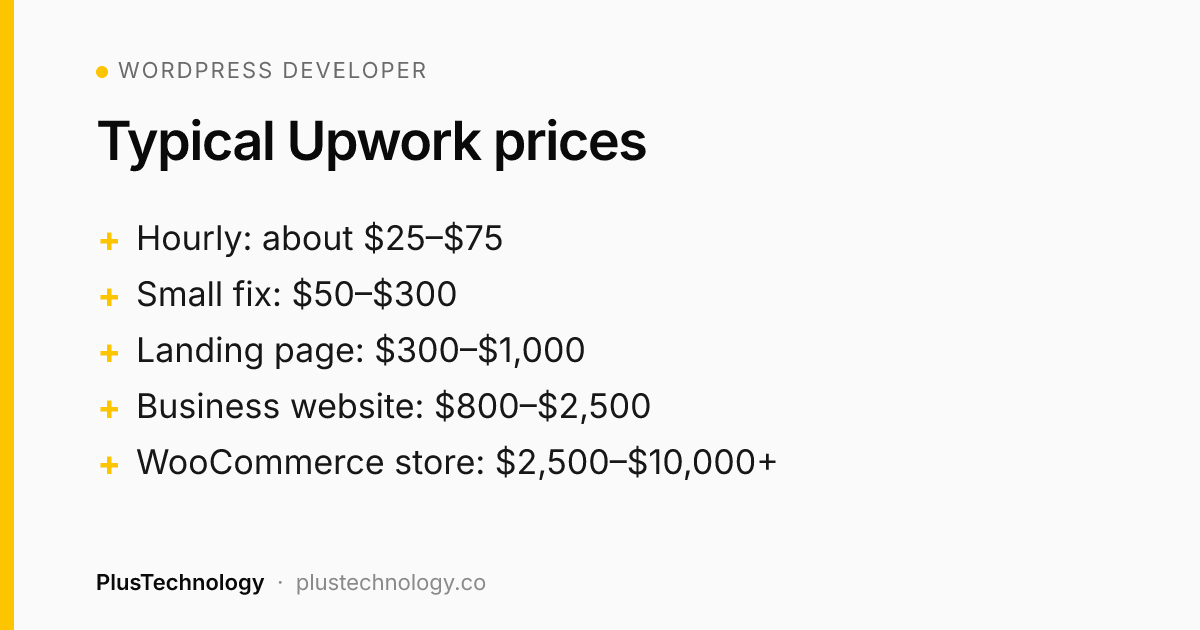
Rates vary with experience and location. Experienced WordPress developers on Upwork typically charge about $25–$75 per hour. Agencies and specialists in the US or Western Europe often charge more. Typical fixed-price ranges I see for experienced freelancers:
| Project | Typical price range | Typical timeline |
|---|---|---|
| Small fix or plugin issue | $50–$300 | 1–3 days |
| Landing page | $300–$1,000 | 3–7 days |
| 5–10 page business website | $800–$2,500 | 2–4 weeks |
| WooCommerce store | $2,500–$10,000+ | 4–8 weeks |
| Custom plugin or integration | $500–$5,000+ | 1–4 weeks |
| Speed optimisation | $200–$800 | 2–5 days |
Treat these as starting points. Content writing, custom design and complex integrations all add to the price.
After you hire: protect your site
- Take a full backup before work starts.
- Create a separate admin account for the developer. Never share your own login.
- Ask for work on a staging site, then push to live after you approve.
- Keep ownership of your domain, hosting and premium licences in your name.
- When the project ends, remove or downgrade the developer's account.
Frequently asked questions
How much does it cost to hire a WordPress developer on Upwork?
Experienced WordPress developers on Upwork typically charge about $25–$75 per hour. Fixed-price projects commonly range from $50–$300 for small fixes, $800–$2,500 for a 5–10 page business website, and $2,500–$10,000+ for a WooCommerce store.
Should I choose fixed-price or hourly on Upwork?
Use fixed-price milestones when the scope is clear, such as building a defined website. Use hourly contracts for ongoing maintenance, open-ended fixes, or work where the scope will change.
What Job Success Score should a WordPress developer have?
A Job Success Score of 90% or higher is a good sign, especially combined with Top Rated or Top Rated Plus status and recent reviews that mention WordPress specifically.
Should I give a freelancer my WordPress admin password?
No. Create a separate administrator account for the developer, take a full backup first, and remove or downgrade the account when the work is finished.
Looking for a WordPress team right now? Hire PlusTechnology on Upwork. Send us your job post and we'll tell you honestly whether we're the right fit.